
April 16, 2026
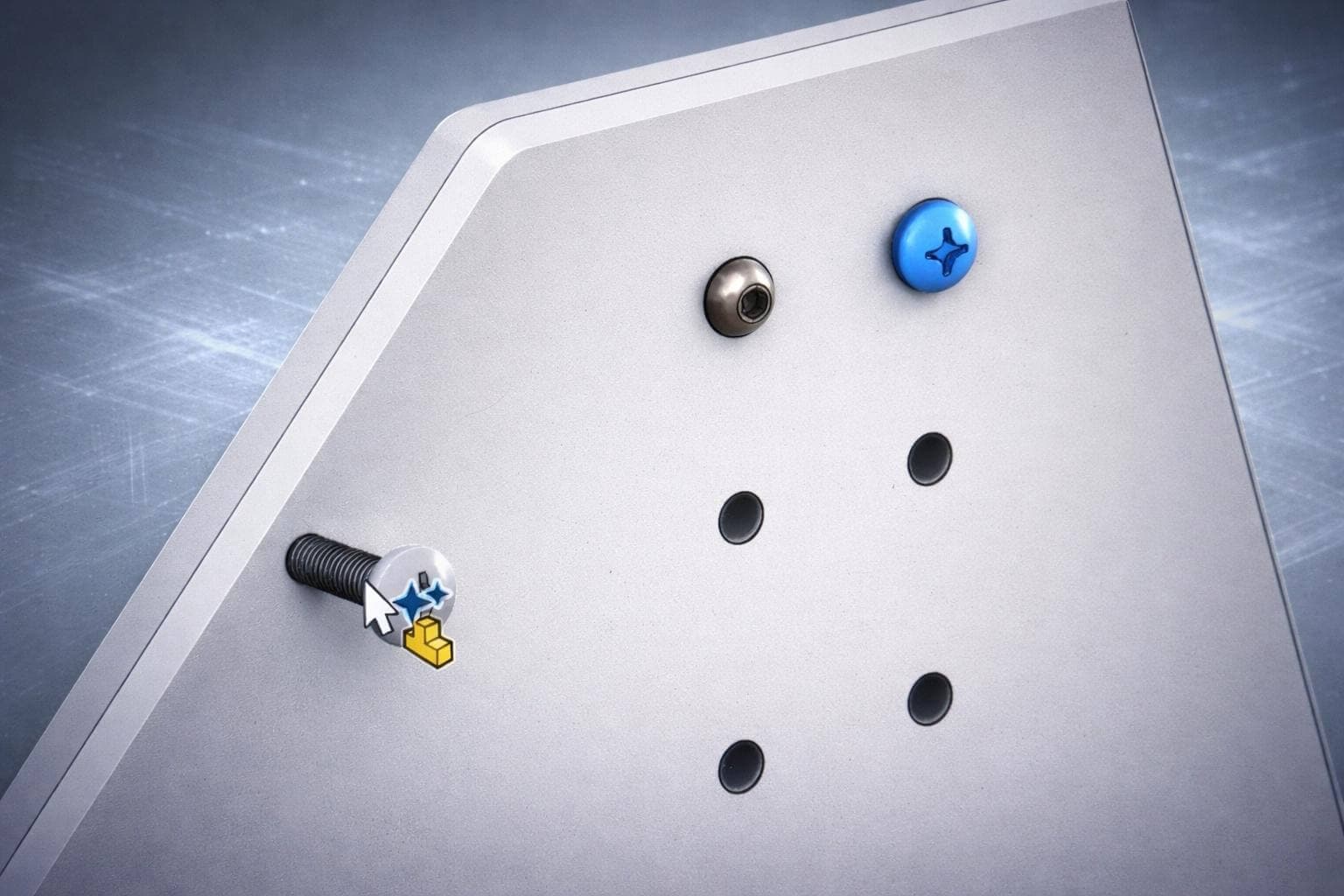
New Content ReleaseAI Fastener Recognition in SOLIDWORKS
AI Fastener Recognition provides automatic mating for all nuts, bolts, and washers in SOLIDWORKS format, including those outside of the Toolbox add-in.
Learn More
SolidProfessor has a fresh new look! Same platform you trust, now built to match what's next.
Learn Our StoryHot Off the Press
Company news, product updates, and industry insights from the team building the future of technical learning and career growth.
April 16, 2026
New Content ReleaseAI Fastener Recognition provides automatic mating for all nuts, bolts, and washers in SOLIDWORKS format, including those outside of the Toolbox add-in.
Learn More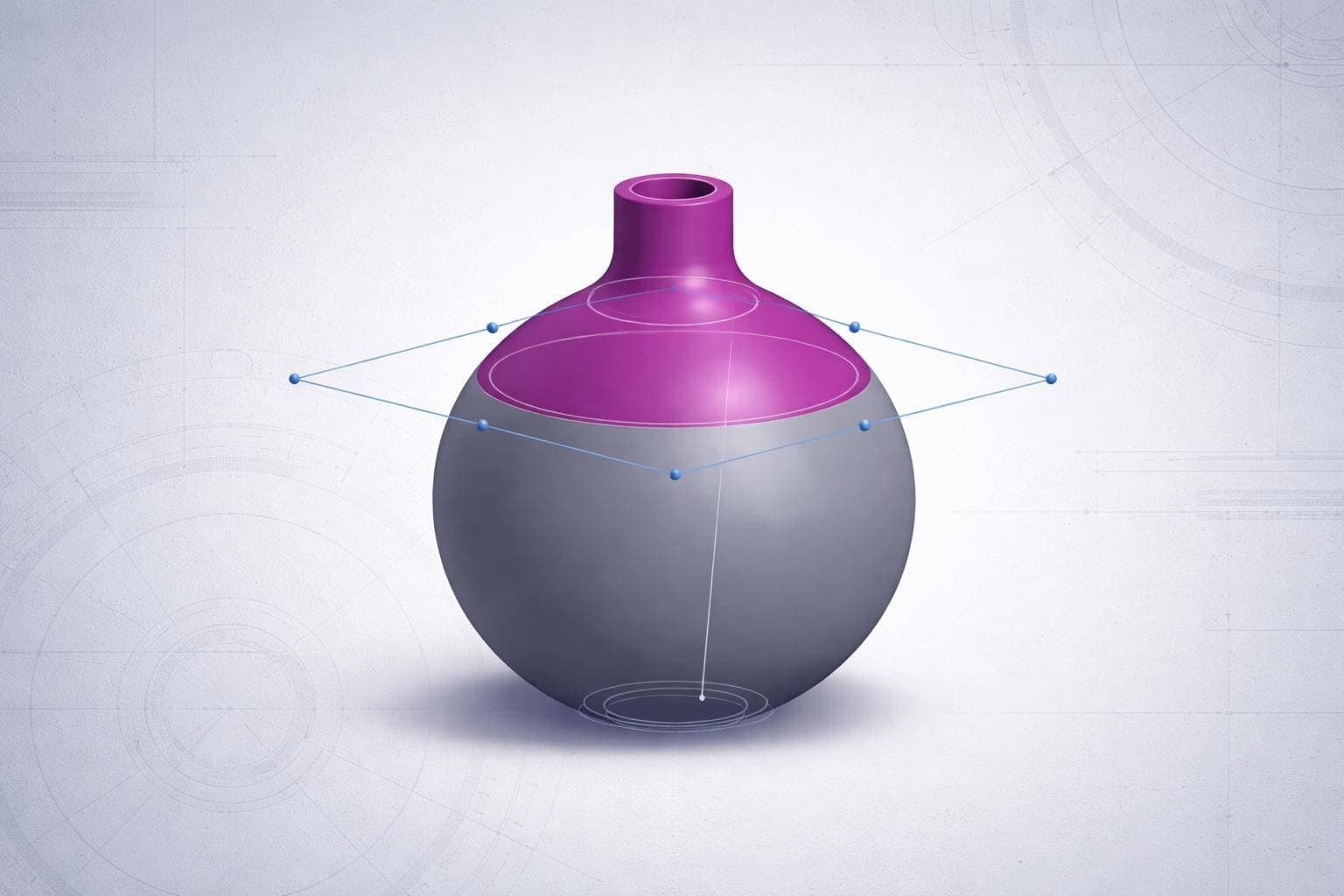
April 8, 2026
New Content ReleaseUse the Split feature to divide a part into multiple bodies without removing material.
Learn More
April 2, 2026
New Content ReleaseSOLIDWORKS PDM has received several enhancements for 2026, including the ability to assume ownership of a checked-out file without losing local changes.
Learn More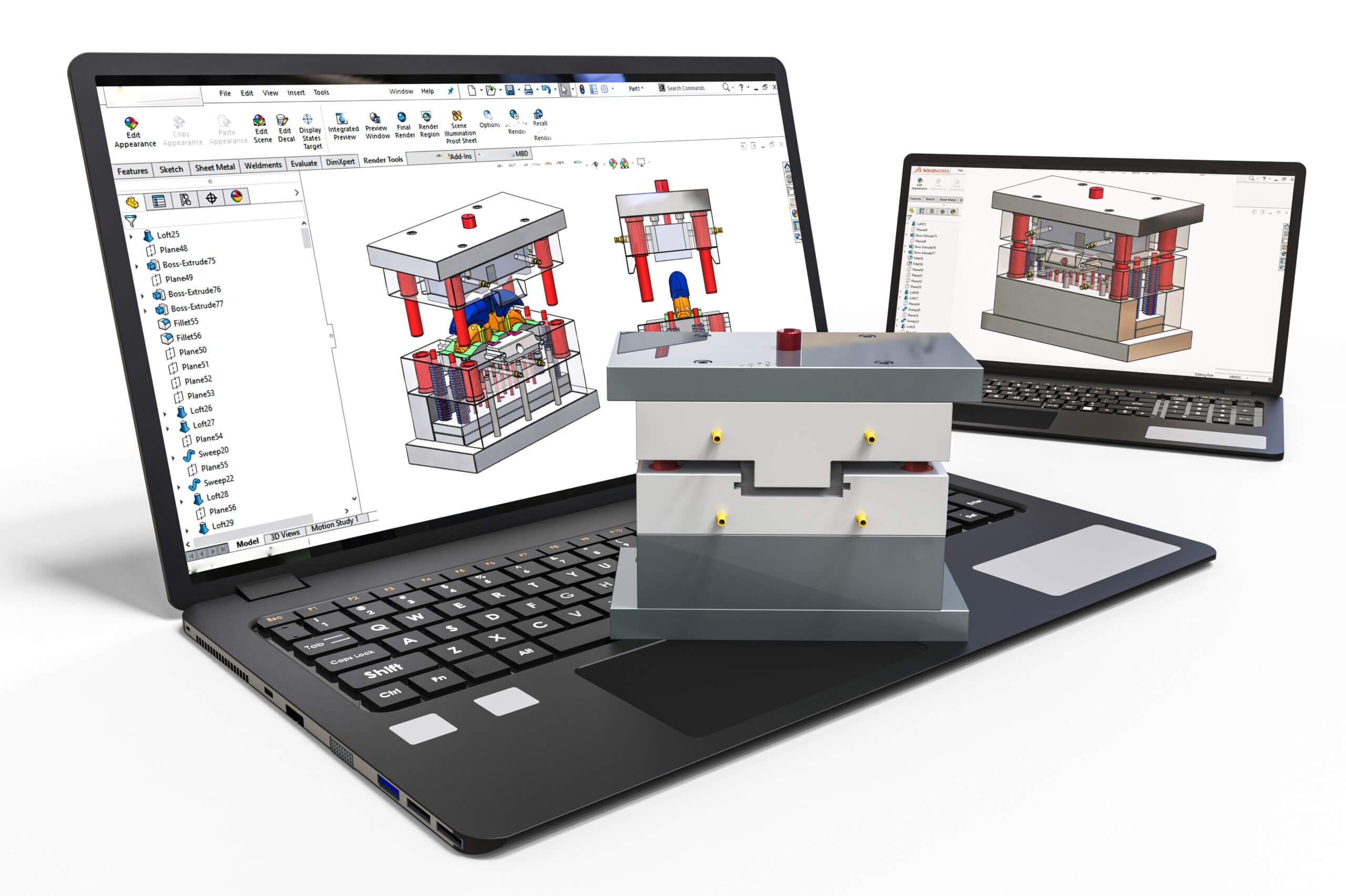
March 26, 2026
New Content ReleaseThe Route Management App can be used to define and implement data management standards to control documents on the 3DEXPERIENCE platform.
Learn More
March 26, 2026
Digital ClassroomPeer-to-peer learning boosts confidence, skills, and certification readiness by empowering students to teach, collaborate, and grow together.
Learn More
March 18, 2026
New Content ReleaseThis live presentation introduces techniques for designing CAD models faster while maintaining accuracy and flexibility in anticipation of future revisions.
Learn More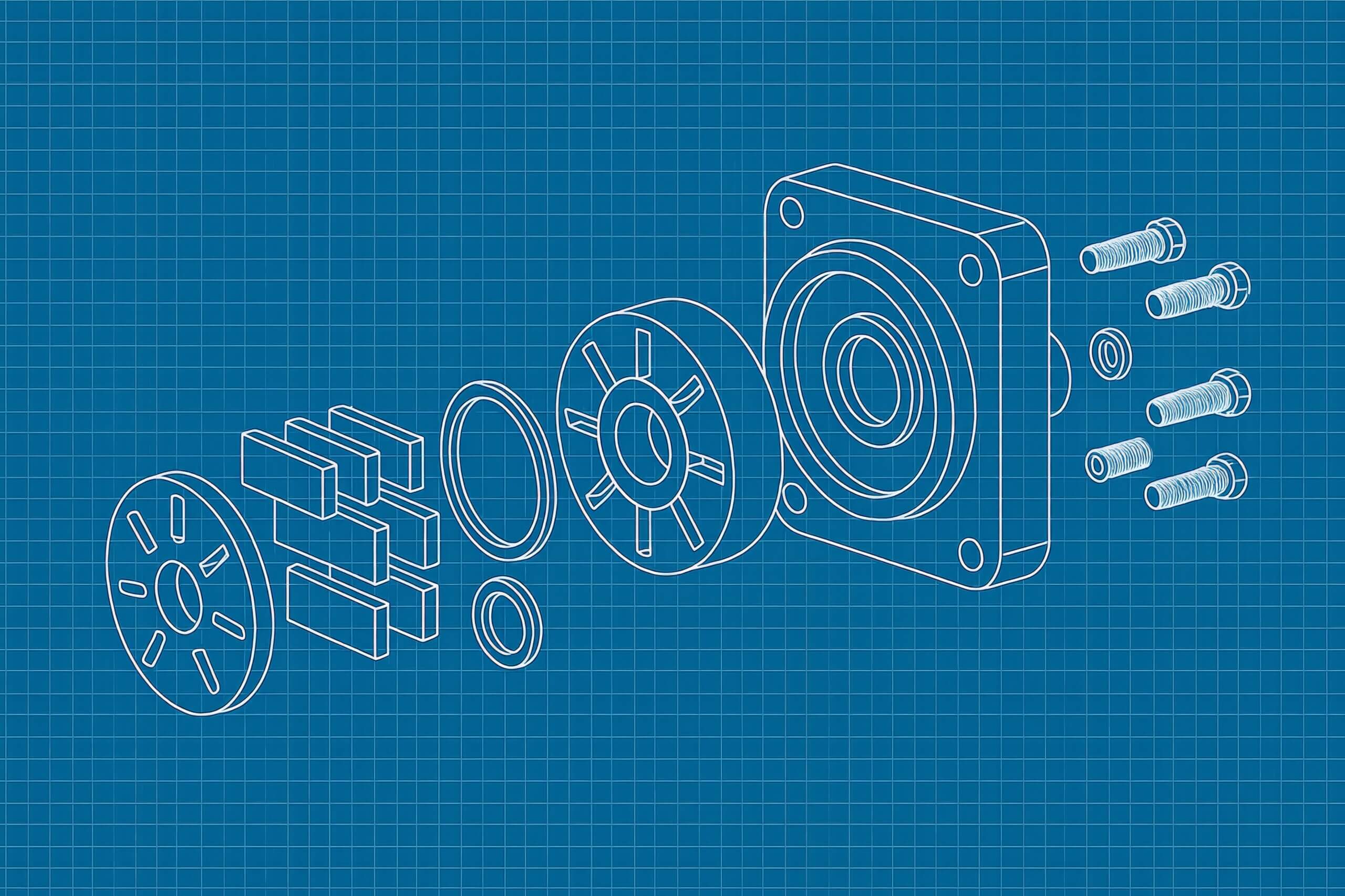
March 10, 2026
New Content ReleaseSOLIDWORKS 2026 introduces several enhancements for drawings, including Automatic Drawing Generation and improved magnetic lines, among others.
Learn More
March 6, 2026
Digital ClassroomExplore the refreshed Spatial Visualization course designed to help beginners build core 3D visualization skills with practice exercises and assessments.
Learn More
March 3, 2026
New Content ReleaseSheet Formats can be swapped in SOLIDWORKS drawings to increase sheet size or update title blocks without impacting existing drawing views.
Learn More
February 25, 2026
New Content ReleaseSOLIDWORKS 2026 features several quality of life and performance enhancements for assemblies, including AI fastener recognition.
Learn More