
Enhancements for assemblies in SOLIDWORKS 2026 emphasize performance, stability, and smarter automation. While the core 2026 release introduces just one performance enhancement, several others were delivered through recent service packs for SOLIDWORKS 2025 and are now standard. Our overview of assemblies enhancement for SOLIDWORKS 2026 highlights the updates that matter most for everyday assembly workflows.
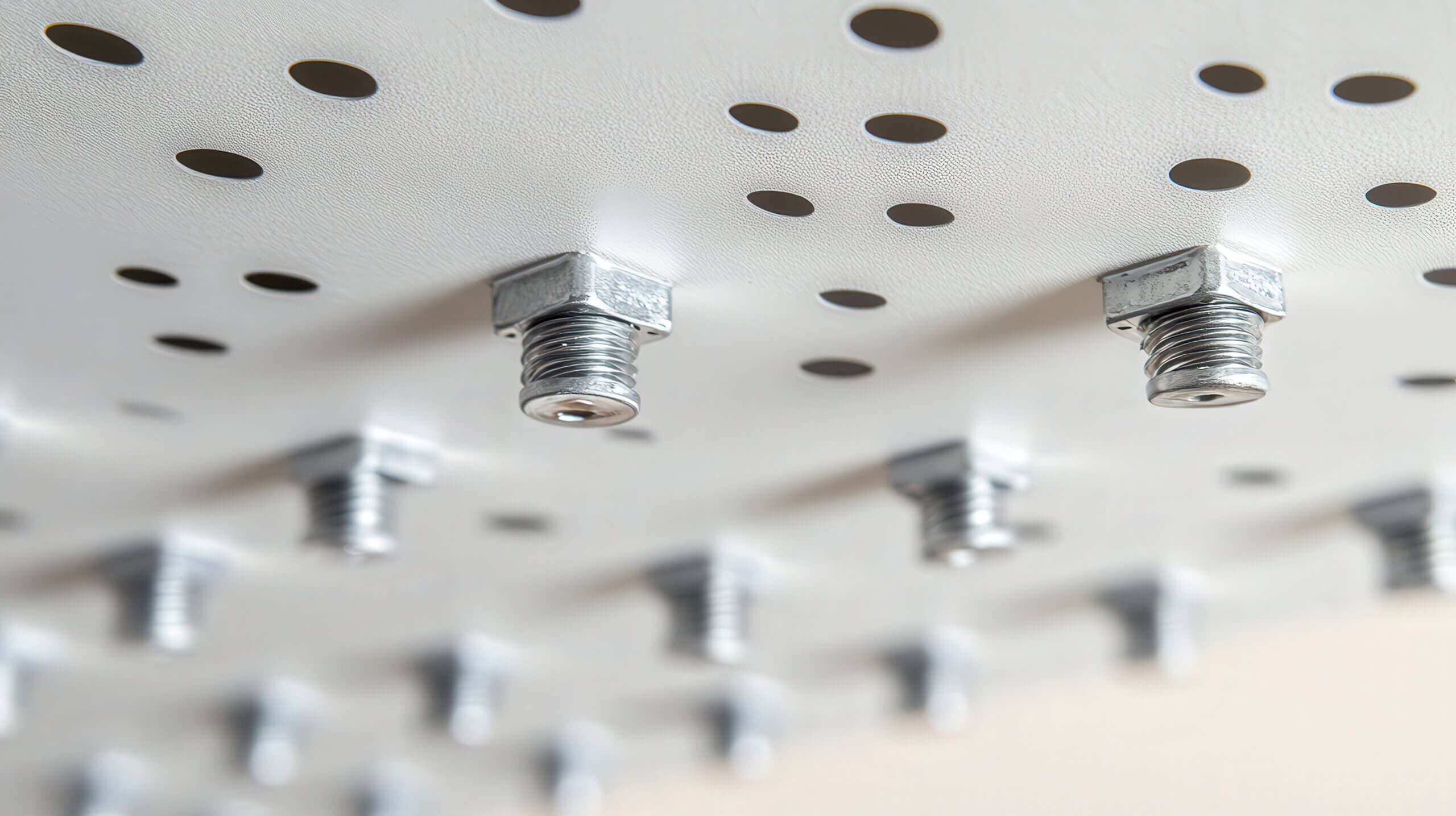
One of the most visible enhancements is AI-powered fastener recognition, which was introduced in SOLIDWORKS 2025 SP3. SOLIDWORKS can now identify common fasteners (nuts, bolts, and washers to be specific) and apply SmartMates automatically, even when mate references are not present. This works with most non-toolbox and downloaded fasteners, reducing repetitive mating tasks and speeding up assembly creation.
Using AI fastener recognition to automatically mate a downloaded component
Additional assembly enhancements include:
- A new system option to ignore rebuilds caused by cosmetic changes, such as applied appearances/decals or changes to component visibility
- Control over auto-resolve behavior for lightweight components when browsing the FeatureManager tree
- Cancelable Interference Detection for large assemblies
- Improved handling of external references when copying components or freezing features
Together, these updates reduce unnecessary rebuilds, improve reference stability, and make large and top-down assemblies easier to manage.
The overview video above walks through the latest assembly improvements and how they impact real-world design workflows. For deeper coverage of individual tools and techniques, be sure to explore our SOLIDWORKS Essentials for Assembly Design course, or for more experienced users, SOLIDWORKS Advanced Assembly Design.