

October 7, 2026
CAD, CAM, & BIMContent Release – SOLIDWORKS 2027 Top 10 Enhancements
Explore SolidProfessor’s Top 10 Enhancements for SOLIDWORKS 2027, featuring new tools for parts, assemblies, drawings, simulation, routing, and more
Learn More
SolidProfessor has a fresh new look! Same platform you trust, now built to match what's next.
Learn Our StoryHot Off the Press
Company news, product updates, and industry insights from the team building the future of technical learning and career growth.
October 7, 2026
CAD, CAM, & BIMExplore SolidProfessor’s Top 10 Enhancements for SOLIDWORKS 2027, featuring new tools for parts, assemblies, drawings, simulation, routing, and more
Learn More
September 30, 2026
CAD, CAM, & BIMLearn how SOLIDWORKS Slot mate constraints let pins move freely within slots or position them at specific locations.
Learn More
September 23, 2026
CAD, CAM, & BIMLearn how SOLIDWORKS 3DInterconnect manages imported CAD files, when to break links, and how linked models support cross-CAD collaboration.
Learn More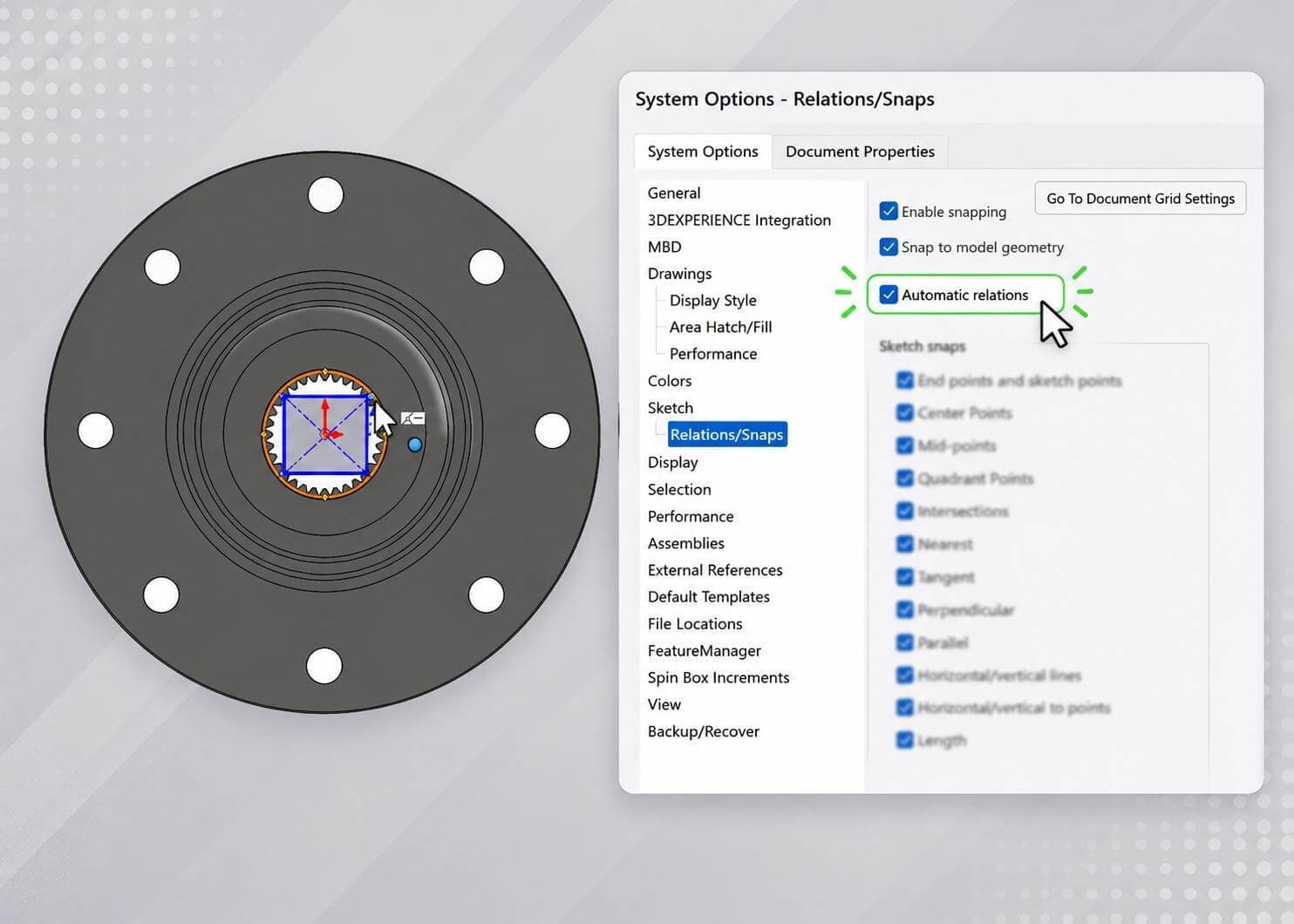
August 25, 2026
CAD, CAM, & BIMLearn two ways to disable automatic sketch relations in SOLIDWORKS to prevent unintentional or unnecessary constraints from being added.
Learn More
June 23, 2026
CAD, CAM, & BIMUniversity researchers are surveying industry professionals on GD&T workforce needs.
Learn More
August 7, 2025
CAD, CAM, & BIMWe highlight the top six SolidProfessor courses for students pursuing careers in automotive design and engineering.
Learn More
July 21, 2025
CAD, CAM, & BIMWe highlight the top six SolidProfessor courses for students pursuing careers in automotive design and engineering.
Learn More
July 3, 2025
CAD, CAM, & BIMWe highlight the top six SolidProfessor courses for students pursuing careers in automotive design and engineering.
Learn More
June 26, 2025
CAD, CAM, & BIMWe highlight the top six SolidProfessor courses for students pursuing careers in automotive design and engineering.
Learn More
June 25, 2025
CAD, CAM, & BIMOur updated SOLIDWORKS Simulation Premium Dynamics course is refreshed for the 2025 software release, covering dynamic analysis tools for mechanical systems.
Learn More