Snapshot
SolidProfessor’s SOLIDWORKS Toolbox and Design Library course has been fully rebuilt for 2025 with updated lessons, new practice exercises, and expanded coverage of reusable design workflows. This course focuses on two commonly underused SOLIDWORKS tools that can significantly improve efficiency when creating standardized components, reusable features, and production-ready assemblies. From configuring Toolbox hardware libraries to creating custom Design Library features and Smart Components, the course demonstrates practical methods for reducing repetitive work and improving design consistency across projects.
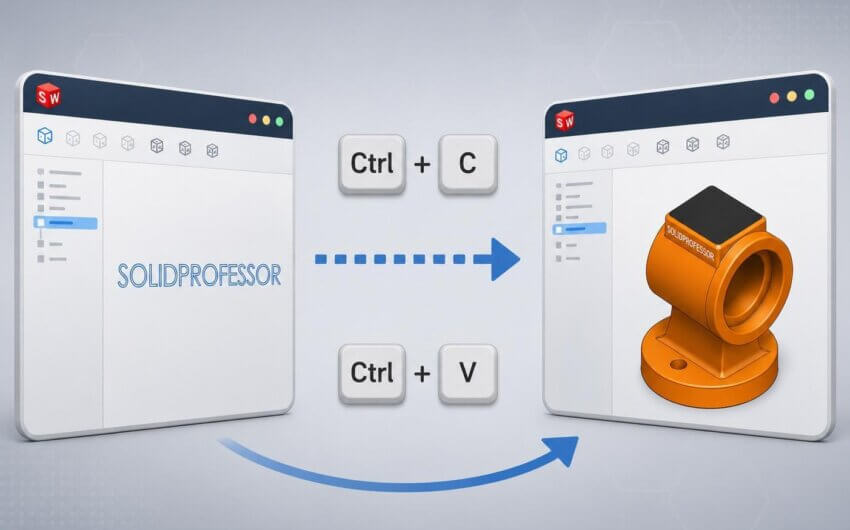
Creating and applying a reusable custom feature from the SOLIDWORKS Design Library
Course Highlights & Updates
This rebuilt edition modernizes the existing training while expanding the scope of the curriculum to include updated workflows, improved setup guidance, and additional examples focused on production-ready design practices. The course has been reorganized to provide clearer progression between topics and includes newly created datasets and exercises to reinforce key concepts.
The training explores how Design Library and Toolbox tools can be configured to support standardization across teams and projects. In addition to covering the fundamentals, the course also demonstrates practical applications that are often overlooked by many SOLIDWORKS users, including Smart Components and the Structural Steel functionality available within Toolbox.
Our subject matter experts worked to ensure the lessons reflect current SOLIDWORKS workflows while answering common technical questions users encounter when managing reusable design assets in professional environments.
Configuring Toolbox settings by customizing standardized hardware in the Setup Wizard
Key topics covered throughout the course include:
- Setting up and navigating the SOLIDWORKS Design Library
• Applying and managing reusable library features
• Creating and organizing custom Design Library content
• Editing, configuring, and dissolving library features
• Toolbox setup and add-in configuration
• Inserting and configuring Toolbox hardware
• Customizing Toolbox standards and properties
• Managing Toolbox favorites and configuration options
• Creating Smart Components
• Using the Structural Steel tool in Toolbox
• Strategies for reusable and production-focused design workflows
• Practice exercises for Design Library and Toolbox workflows
Using Smart Fasteners to automate assembly features and hardware placement
Who is this course for?
This course is designed for SOLIDWORKS users who want to improve design efficiency by creating reusable assets and standardized workflows. It is particularly valuable for:
• Mechanical designers working with assemblies and production hardware
• Users responsible for managing company standards or reusable CAD assets
• Teams looking to reduce repetitive modeling tasks
• Experienced SOLIDWORKS users interested in improving workflow efficiency
• Users transitioning from basic SOLIDWORKS functionality into more advanced assembly and configuration tools
Students should already have a working knowledge of SOLIDWORKS parts and assemblies. Experience with Advanced Assembly or Advanced Modeling workflows is helpful but not required.
How can you use these tools?
- Standardize hardware and component selection
• Create reusable design features for common geometry
• Reduce repetitive modeling work across projects
• Improve assembly consistency between team members
• Automate placement of hardware and assembly features
• Build production-ready design workflows
• Configure custom Toolbox standards and properties
• Create reusable Smart Components for assemblies
• Organize and manage shared CAD resources more effectively
Creating a Smart Component from a handle and screws to be used within an assembly workflow
Conclusion
The rebuilt SOLIDWORKS Toolbox and Design Library course provides a practical guide to configuring and using two powerful SOLIDWORKS tools that are frequently underutilized in day-to-day design work. Whether you are building reusable design standards, streamlining assembly creation, or improving consistency across projects, this training provides workflows and examples that can be applied immediately in production environments. Visit the course here to learn more: SolidProfessor | SOLIDWORKS Toolbox and Design Library 2025