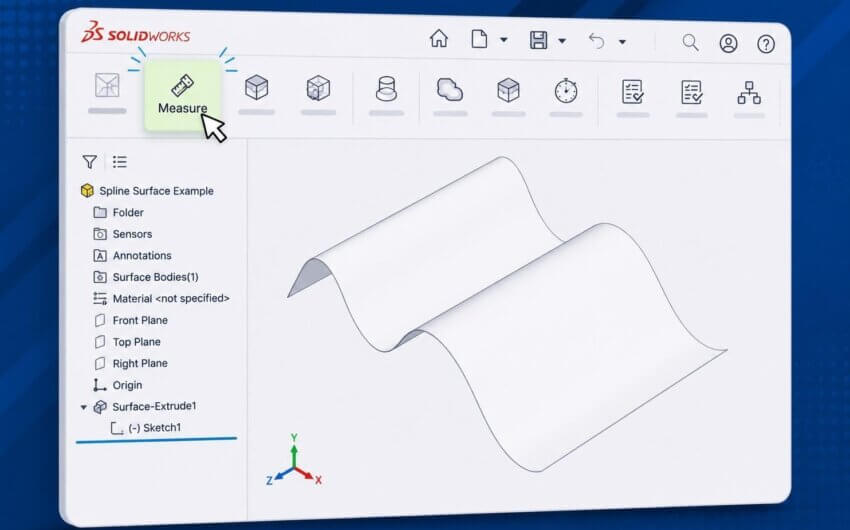






Recreating the same sketch multiple times can be tedious, especially when the sketch or is large or contains complex geometry. In our latest 2-Minute Tech Tip on Copying and Pasting Sketches in SOLIDWORKS, we show how to reuse existing sketch geometry with simple shortcuts. This workflow allows you to copy a sketch from the FeatureManager Design Tree, paste it into a new sketch in the same part (or even an entirely different document), and then position it where needed.
Using keyboard shortcuts to copy and paste a sketch between documents
Copying and pasting sketches is a simple way to save modeling time while maintaining consistency across designs, and since the pasted sketch is an independent copy, it avoids the creation of any additional references or dependencies to manage. For additional methods of reusing geometry, including derived sketches that link to the original, see our SOLIDWORKS Essentials for Part Design and SOLIDWORKS Advanced Part Design courses.