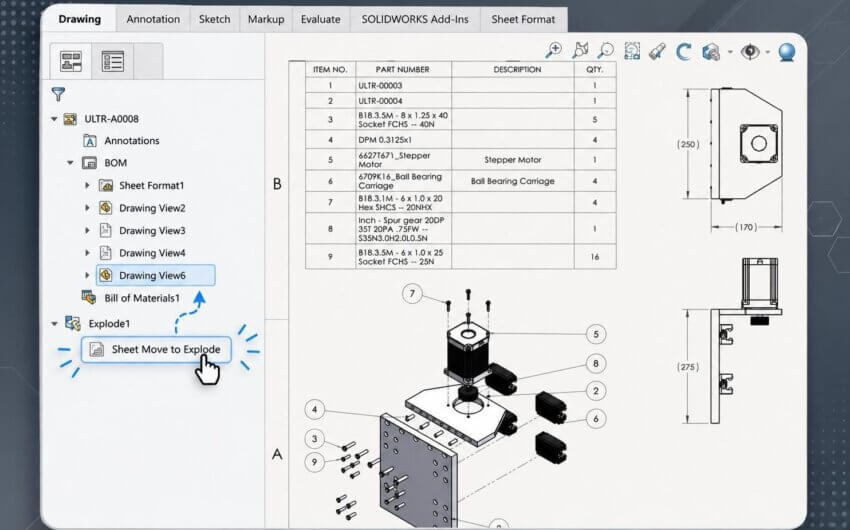






Manually entering information such as material, mass, revision, or configuration names into a drawing can create extra work whenever a design changes. In our latest 2-Minute Tech Tip on Linking Model Properties to Drawings, you’ll learn how to connect drawing notes directly to your model’s custom properties so that they update automatically whenever the model changes. The lesson illustrates how to set up linked notes to display configuration-specific information and remain synchronized as drawing views change. It also shows how the same approach can be applied to sheet formats and title blocks, allowing templates to automatically populate key fields as soon as a model is added.
A linked note automatically updating to reflect a change in the active configuration
Linking notes to custom properties is a simple way to improve drawing consistency and reduce manual updates, and is a standard documentation practice at many design and engineering companies. For additional guidance on drawing templates, annotations, and automation techniques, explore our SOLIDWORKS Drawings course along with our Ask SolidProfessor lessons on drawings.