
July 30, 2026
New Content ReleaseLinking Model Properties to Drawings
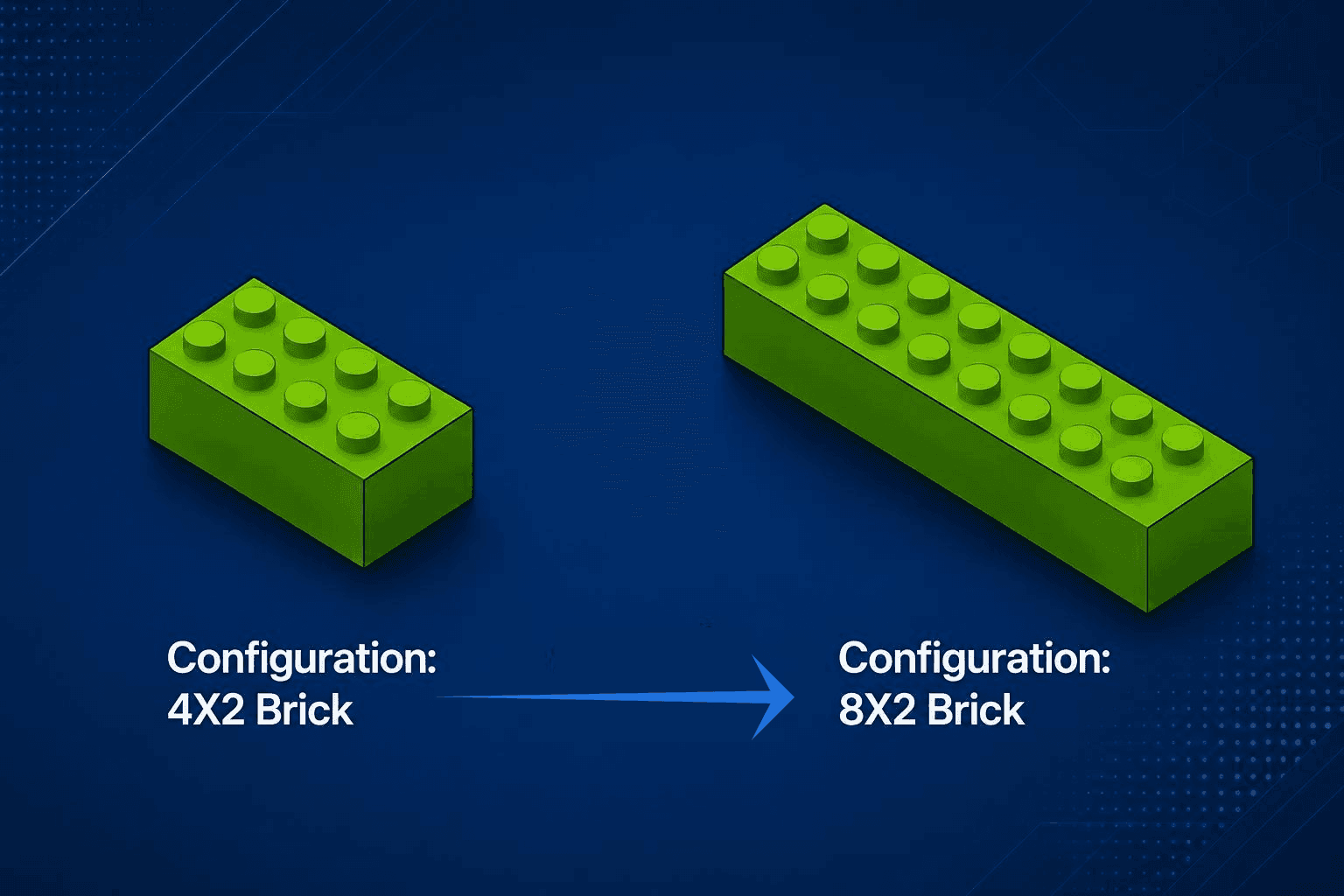
Link SOLIDWORKS model properties to drawing notes and title blocks to automate updates and reduce manual documentation work.
Learn More
SolidProfessor has a fresh new look! Same platform you trust, now built to match what's next.
Learn Our StorySolidProfessor Blog
SolidProfessor Content Evangelist, vintage dirt bike enthusiast, and off-road unicyclist.
July 30, 2026
New Content ReleaseLink SOLIDWORKS model properties to drawing notes and title blocks to automate updates and reduce manual documentation work.
Learn More
July 22, 2026
New Content ReleaseThe SOLIDWORKS Preview Program is live from now until mid-August for beta testing!
Learn More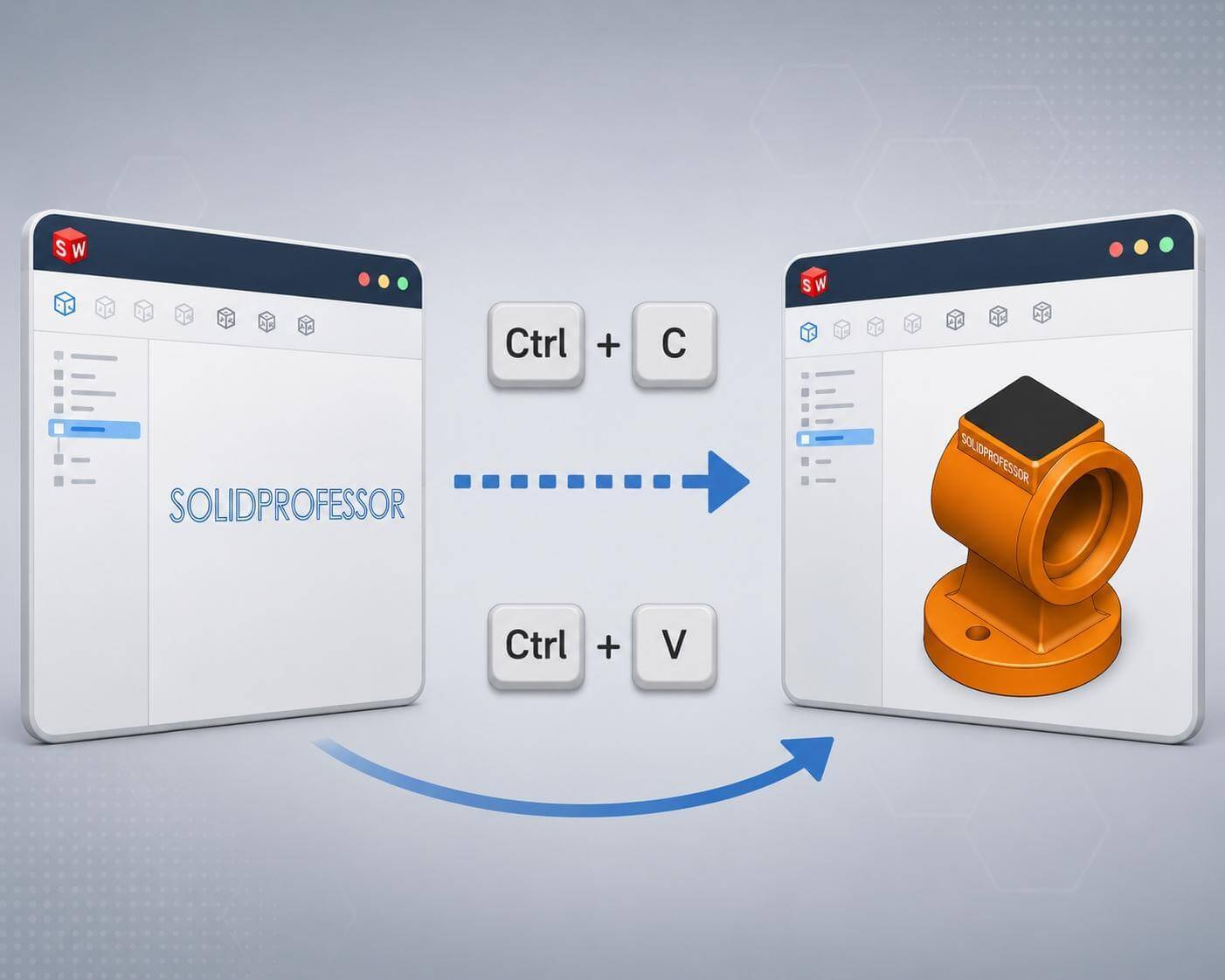
July 18, 2026
New Content ReleaseSOLIDWORKS Sketches can be copied and pasted between documents using simple shortcuts to reuse completed work.
Learn More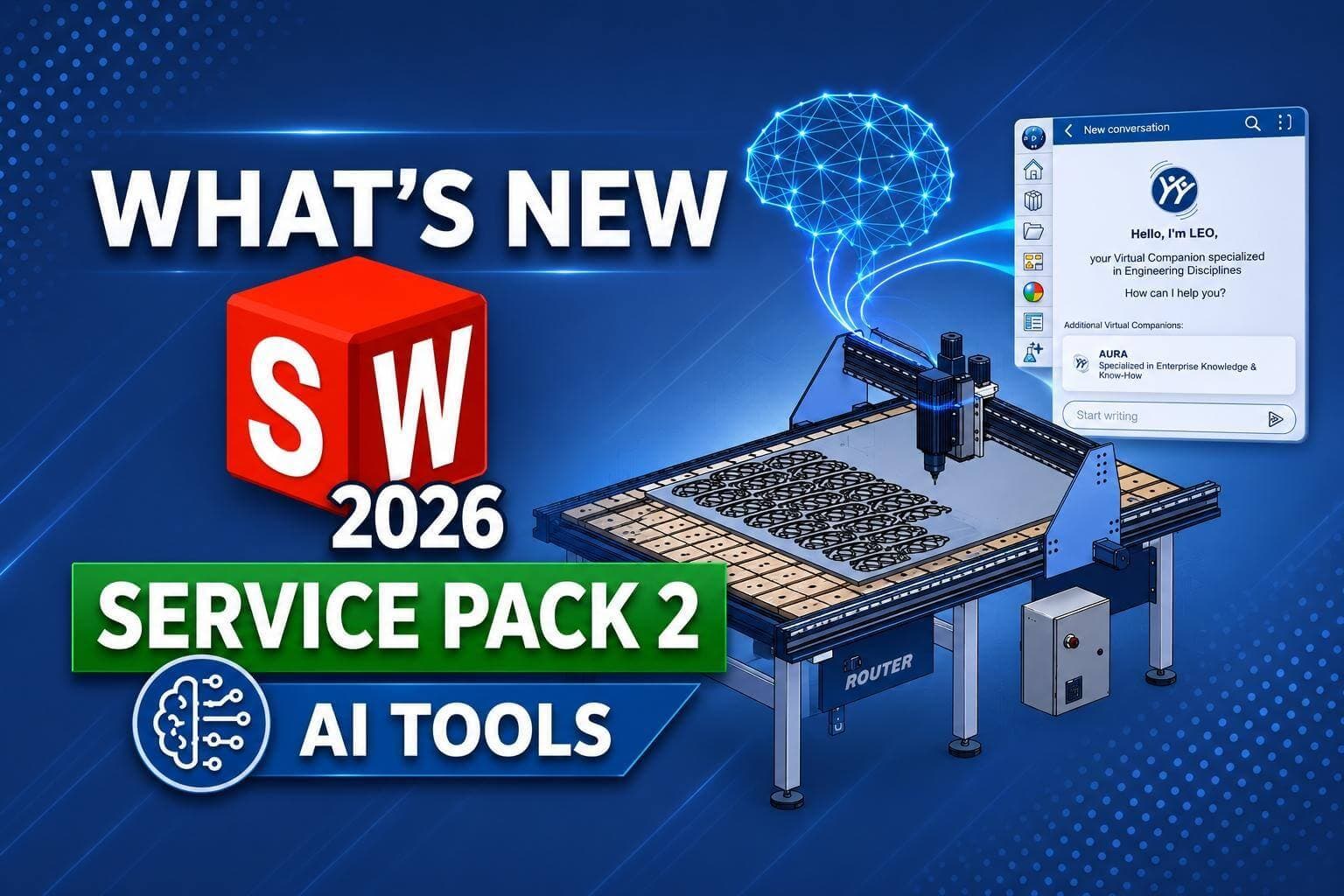
July 16, 2026
New Content ReleaseSOLIDWORKS 2026 SP2 includes several new AI tools to automate features for STEP/IGES files, assist with assembly performance analysis, and more.
Learn More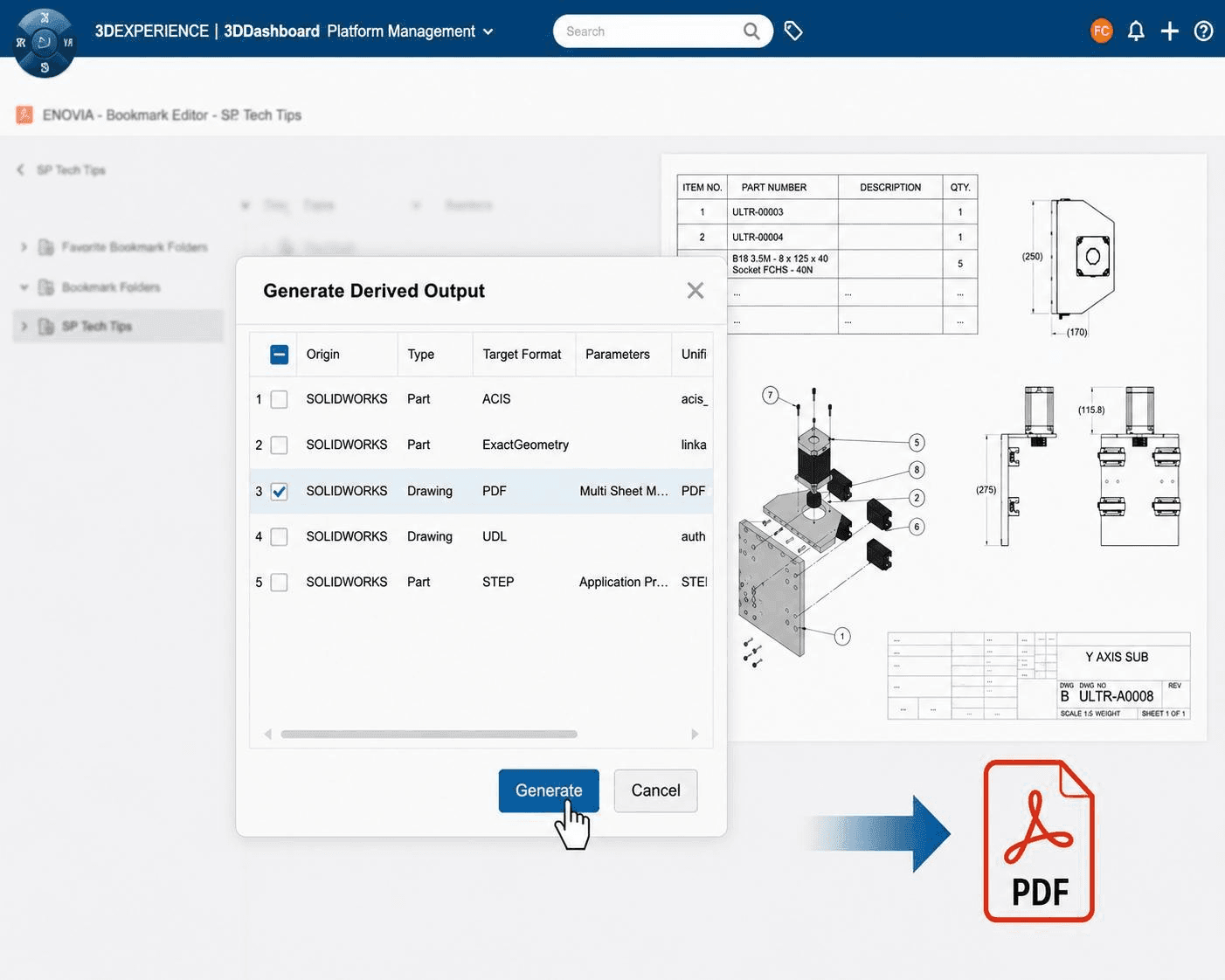
July 13, 2026
New Content ReleaseBatch convert 3DEXPERIENCE CAD files into PDF, STEP, DXF/DWG, and more without requiring a SOLIDWORKS license.
Learn More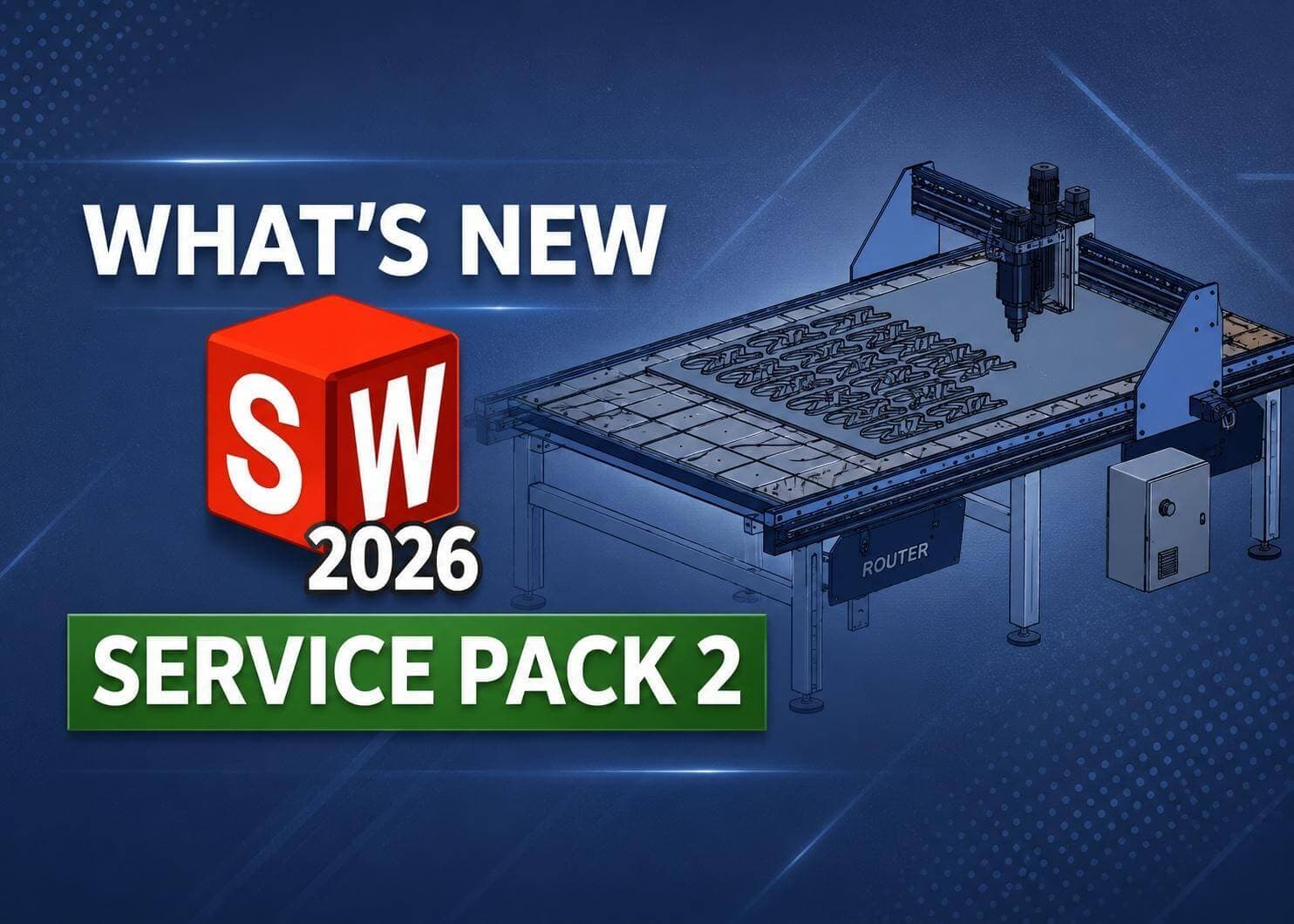
July 9, 2026
New Content ReleaseSOLIDWORKS 2026 SP2 includes an improved isolate command, adjustable bend radii for imported sheet metal, and enhancements for drawings, and more.
Learn More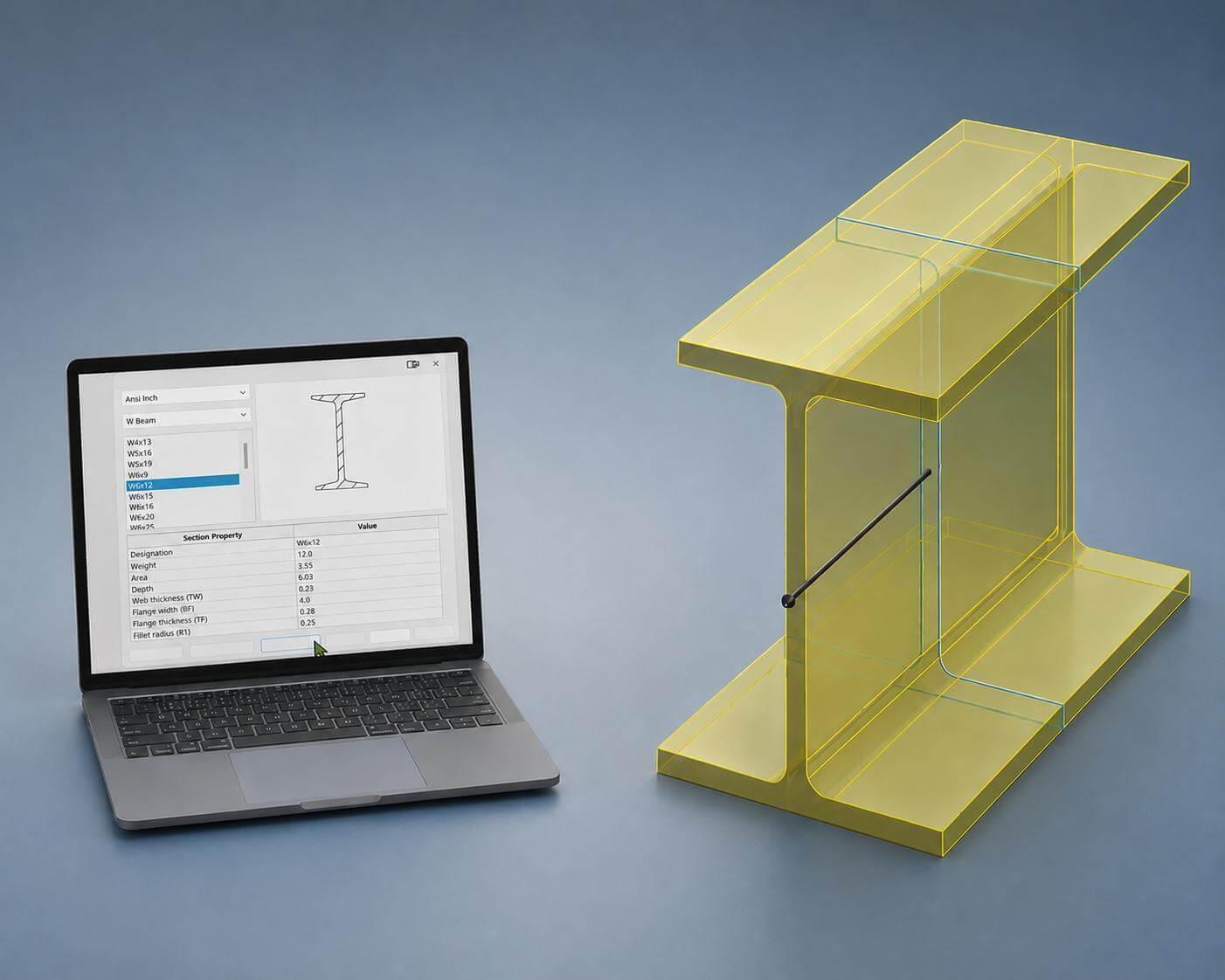
July 2, 2026
New Content ReleaseLearn how the SOLIDWORKS Structural Steel tool automates standard profile creation and simplifies beam analysis.
Learn More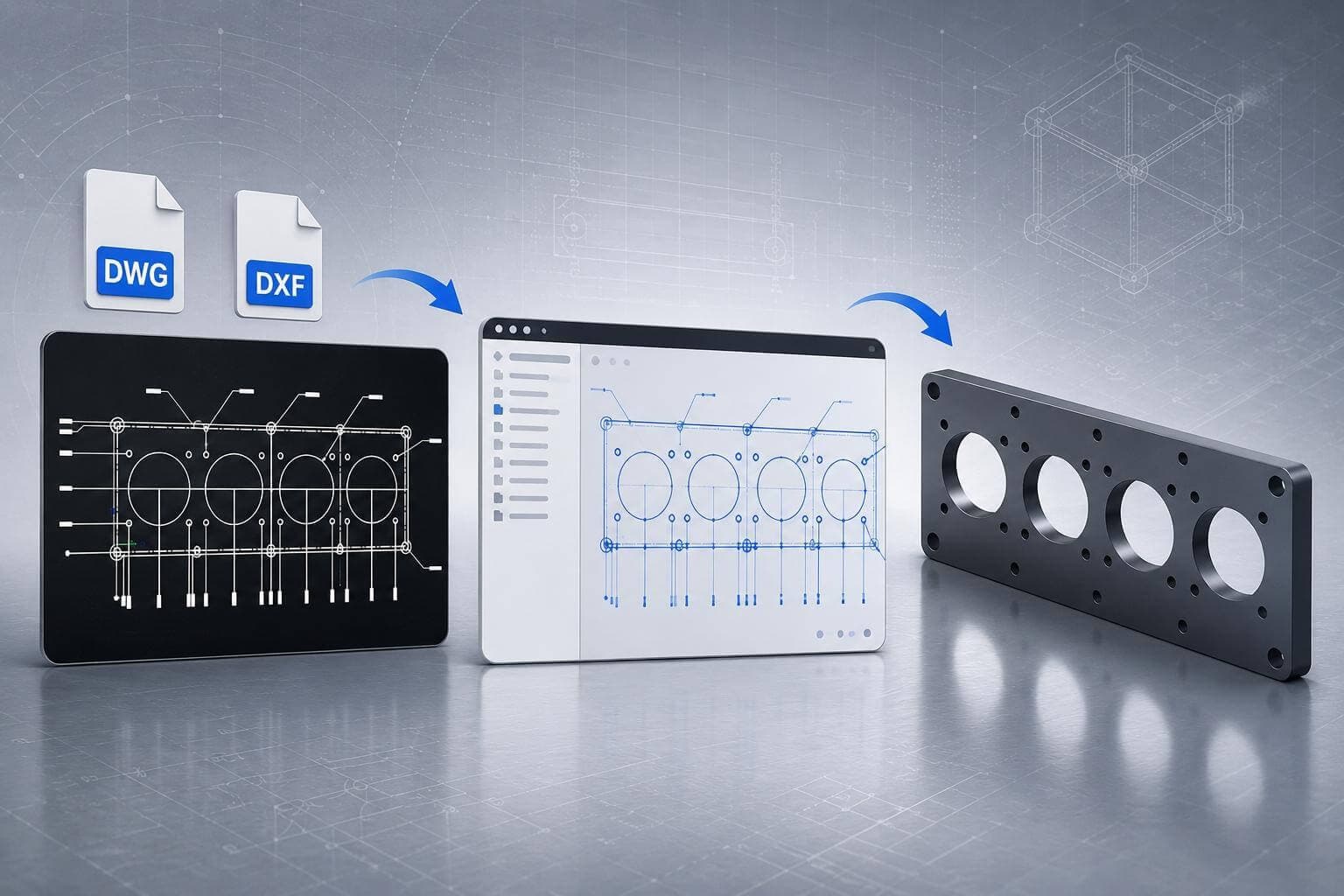
June 26, 2026
New Content ReleaseImport DWG and DXF files into SOLIDWORKS as sketches to quickly convert 2D drawings into editable 3D models and reduce manual rework.
Learn More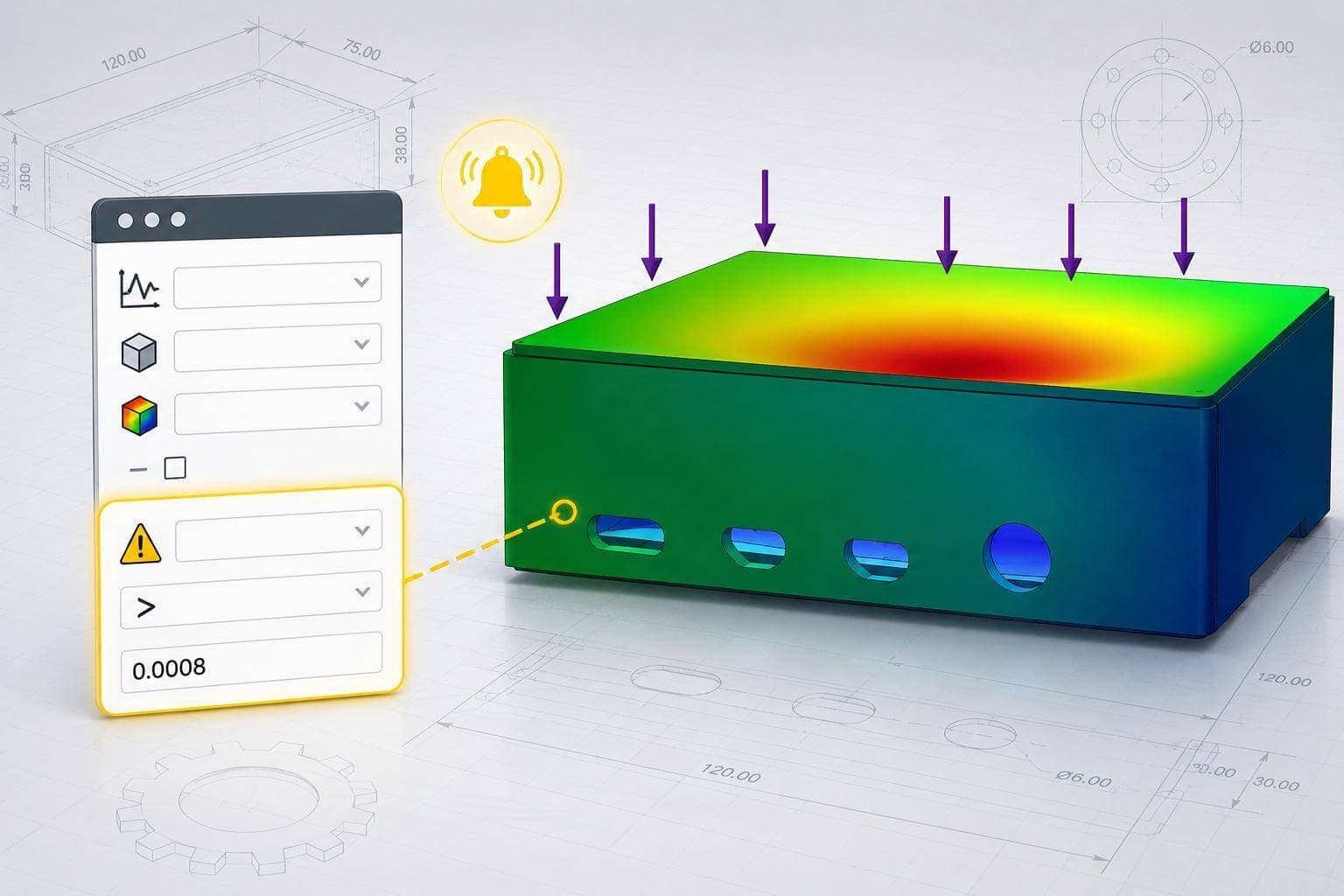
June 17, 2026
New Content ReleaseLearn how to use SOLIDWORKS Sensors to automate design checks, monitor key parameters, and catch issues before they become costly problems.
Learn More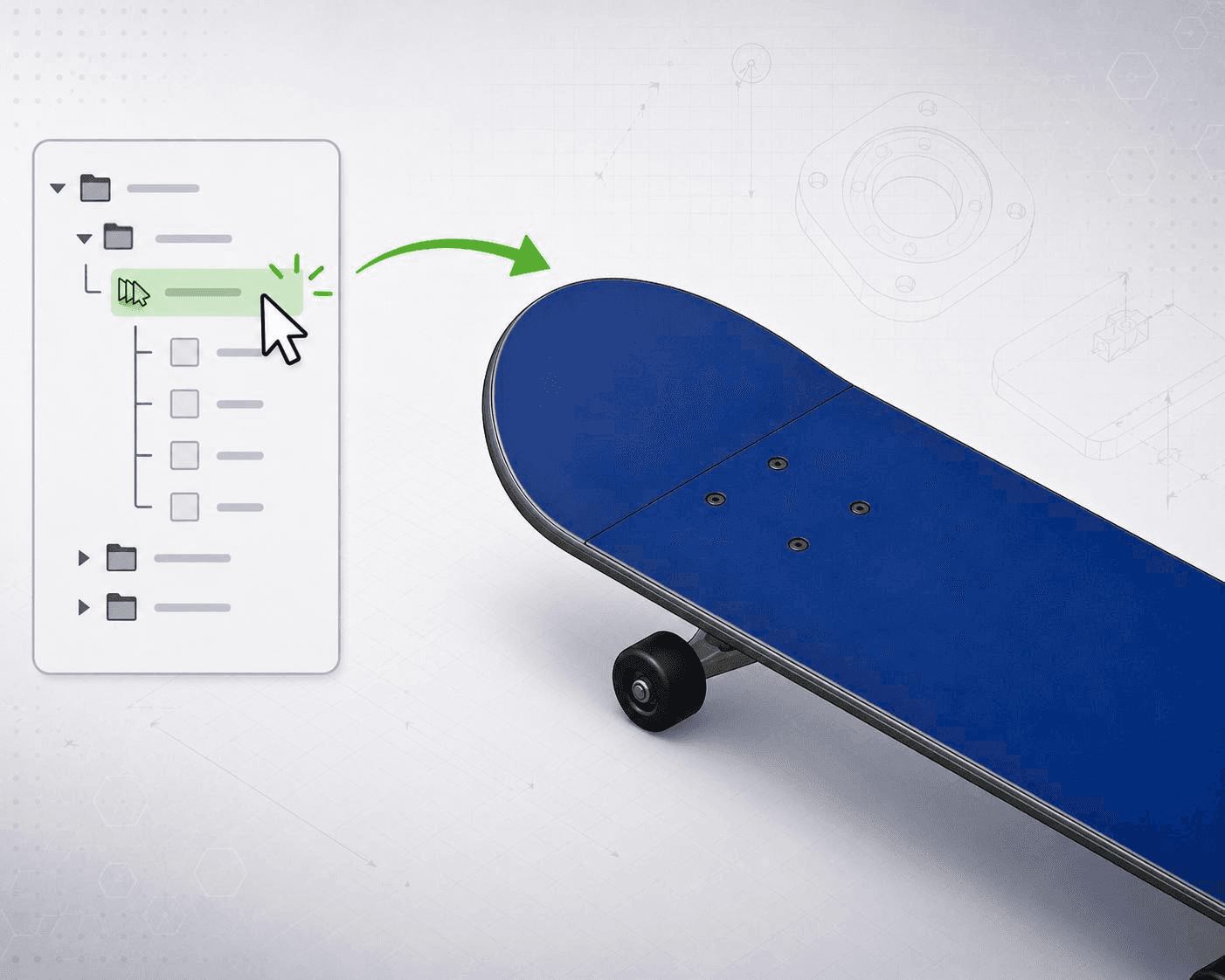
June 10, 2026
New Content ReleaseSpeed up SOLIDWORKS workflows by creating Selection Sets, which let you quickly re-select groups of edges, faces, and components to reduce repetition.
Learn More