
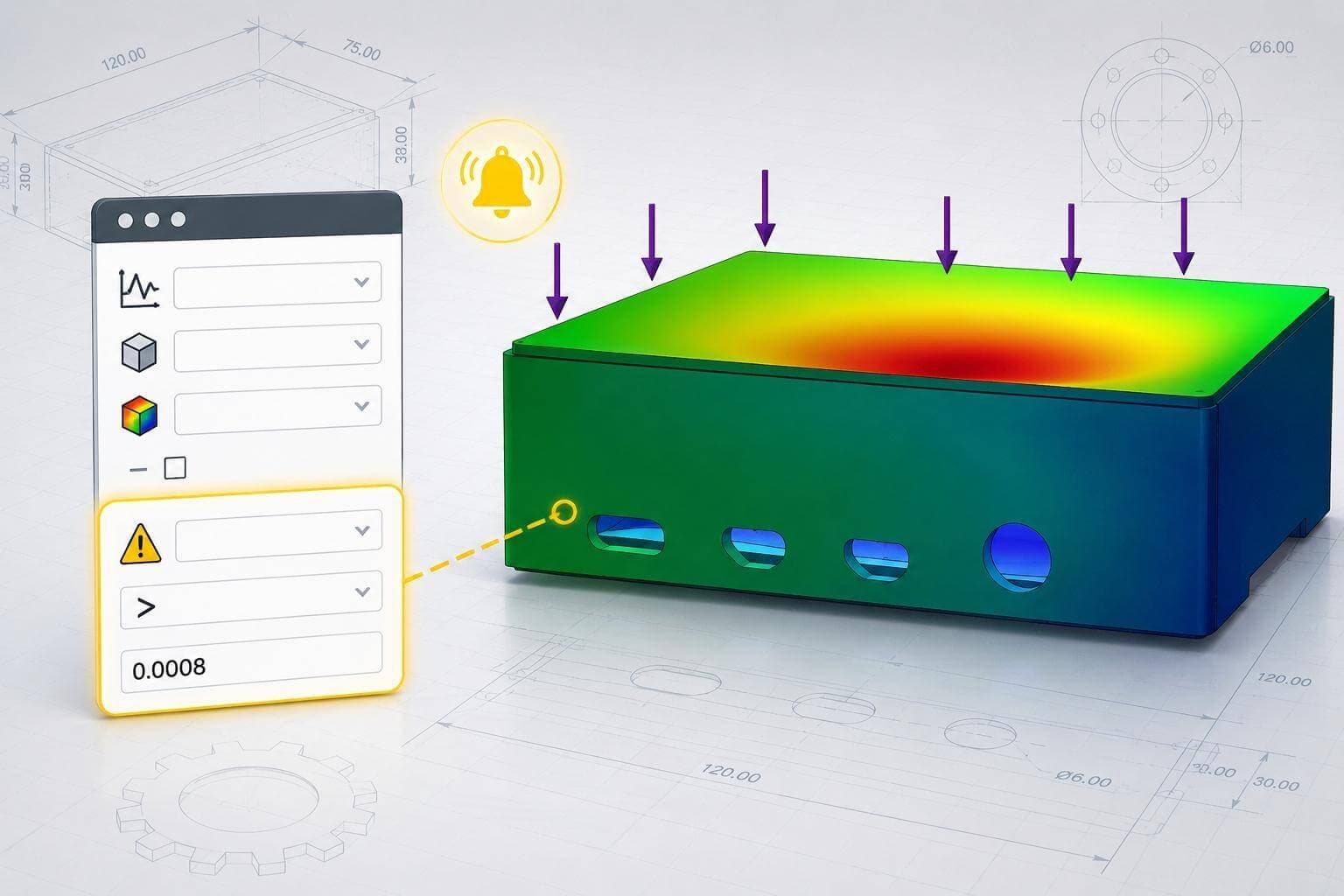
Violating a design rule doesn’t necessarily generate an error in SOLIDWORKS, which means issues like excess weight, component interference, or failed simulation targets can slip through unnoticed. Our latest 2-Minute Tech Tip on Automating Design Checks with Sensors shows how to create Sensors that automatically monitor critical design parameters and alert you when values move outside acceptable limits.
Creating a sensor to monitor mass and trigger a warning if the design exceeds 150 grams
In this lesson, you’ll learn how to create a variety of sensors and set up alert to trigger warnings when specified constraints are broken. These include sensors to track mass, detect interference between components, and track simulation results like displacement, stress, and more.
Sensors can quickly identify issues such as an enclosure exceeding its target weight or mounting hardware interfering with nearby geometry after a design change. Instead of manually checking these conditions every time a model updates, Sensors continuously monitor them in the background and flag problems immediately in the FeatureManager tree.
Creating a sensor to monitor simulated model displacement and evaluate design performance
Using Sensors can help designers catch design violations early, reduce repetitive validation work, and maintain tighter control over performance targets. To learn more about Sensors and other assembly evaluation tools, explore our SOLIDWORKS Essentials for Assembly Design course.