
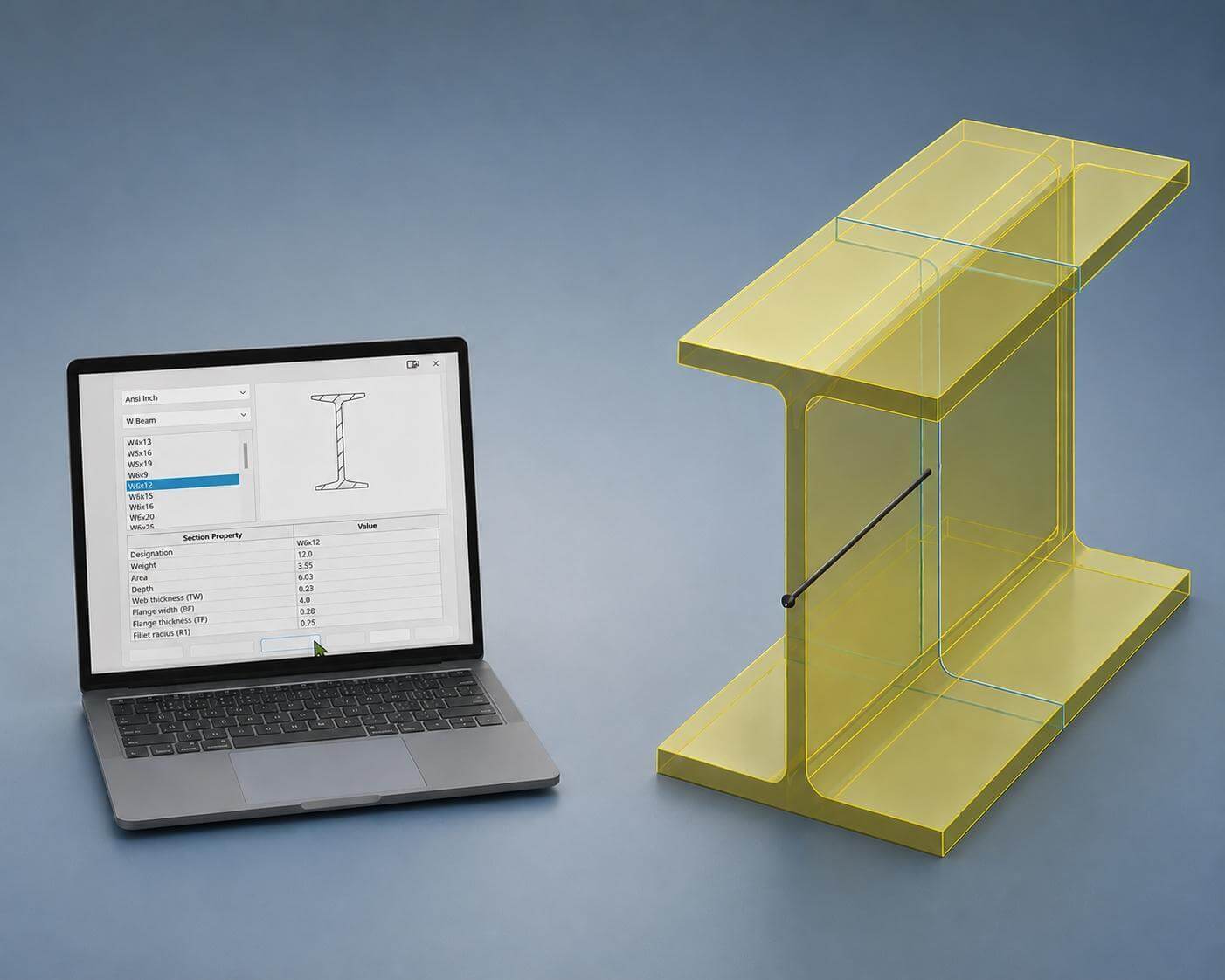
Creating structural members from scratch can slow down design workflows, especially when working with standardized profiles with established dimensions. Our latest 2-Minute Tech Tip shows how the SOLIDWORKS Structural Steel add-in can quickly generate standard cross-sectional sketches for beams, channels, angles, and other common profiles using globally recognized engineering standards.
Using the Structural Steel tool to insert and extrude a standard 6×12 W Beam profile
As part of the Toolbox Utilities add-in included with SOLIDWORKS Professional and above, the Structural Steel tool helps streamline early-stage structural design while keeping profiles consistent and accurate. Once a profile is inserted, designers can extrude or sweep the sketch into a finished beam, and additionally, the included Beam Calculator can be used to solve for important properties like:
- Load
- Deflection
- Stress
- Moment of Inertia
- And more!
Importantly, these calculations can be performed without ever digging into FEA software, providing an ultra-simple solution for first pass performance analysis.
Using the Beam Calculator to solve for unknown beam deflection and stress based on the selected profile
This workflow is especially useful for modular assemblies where each structural member needs to remain an independent part with its own file and part number. Unlike Weldments or Structure Systems, this approach gives more flexibility for BOM management and downstream manufacturing documentation, and the ability to sweep the resulting profile provides an additional level of design flexibility beyond what is provided by Weldments.
For more advanced workflows involving how to reuse features, create Smart Components, advanced uses of Toolbox, and more, explore our full-length SOLIDWORKS Toolbox and Design Library course.