SOLIDWORKS 2026 Service Pack 1 introduces several practical updates that can improve your day-to-day modeling workflows. In our latest addition to the What’s New in SOLIDWORKS series, you can explore the key enhancements and see how they apply to modeling, sketching, and drawing tasks.
Using a single relation group to manage parallelism across several sketch entities
This release focuses on small changes that add up to meaningful time savings and better results. Highlights include:
- Improved model realism with a refined “Flatten Floor” option that maintains perspective and positioning more naturally when using HDRI environments as backgrounds
- Relation Groups for sketches, making it easier to manage, edit, and troubleshoot complex sketch relationships
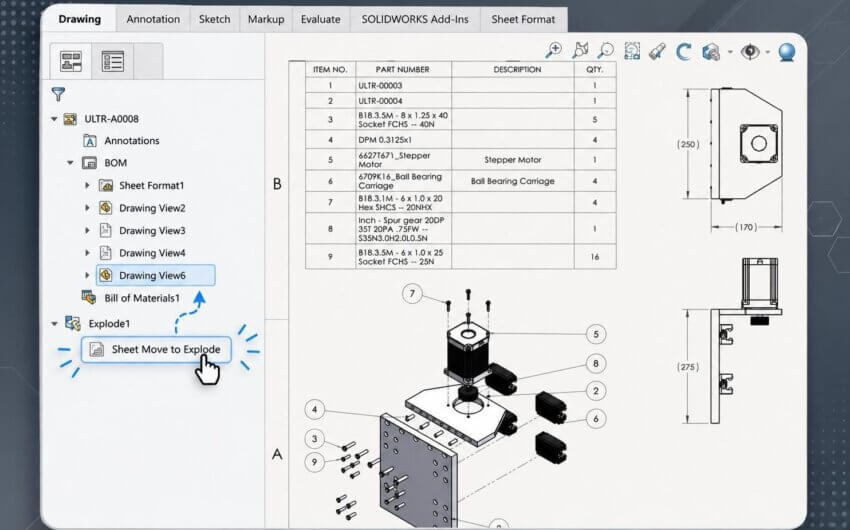
- Smarter BOM synchronization, allowing drawing view configurations to stay aligned with BOM table configurations
- Faster detailing workflows with an option to eliminate duplicate annotations when using Model Items (previously available only for dimensions)
- Enhanced DWG/DXF export controls, including the ability to export top-level components as blocks for better 2D > 3D collaboration
Toggling a drawing view configuration and the resulting prompt to swap to the associated BOM configuration
In addition to these workflow improvements, Service Pack 1 also introduces a range of AI tools and virtual companions, including prompt-based generative tools for creating drawings, assembly structures, troubleshooting, and more. These features are covered in a separate video (linked above) so be sure to check that out if you’re interested in how AI is being integrated into SOLIDWORKS 2026 via Service Packs.
These enhancements streamline common tasks and reduce manual cleanup, especially in drawings and sketch management, but there’s even more to learn about SOLIDWORKS 2026. Be sure to check out our video on the Top 10 Enhancements for 2026 and the rest of the What’s New in SOLIDWORKS series to keep up to date on the latest developments and improvements.