





Snapshot
SOLIDWORKS 2026 Service Pack 2 introduces several practical enhancements designed to improve modeling efficiency, drawing communication, sheet metal workflows, and photo rendering quality. This lesson covers our top five favorite new capabilities, including an improved Isolate command for tricky assemblies, more flexibility to modify bends of imported sheet metal models, drawing annotation improvements, and new volumetric effects in SOLIDWORKS Visualize.
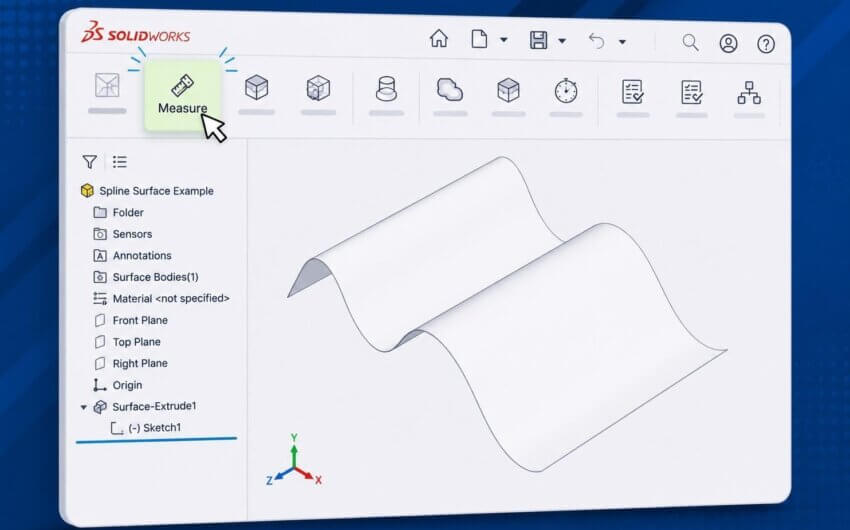
Isolate can now be used again while it’s already active, preventing reappearing components and exiting/entering the command repeatedly
New Lesson Highlights
Service Pack 2 builds on the improvements introduced earlier in the SP1 release with updates that reduce repetitive steps, eliminate the need for workarounds, and improve design communication whether you’re working with large assemblies, imported sheet metal components, production drawings, or presentation-quality renderings.
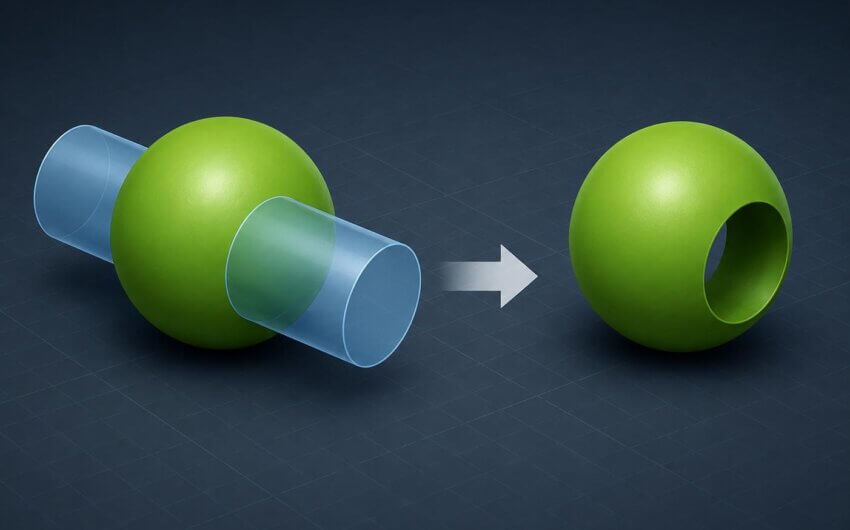
Convert to Sheet Metal now supports editing the radii of premade bends for imported STEP/IGES files
This lesson covers:
Progressive Isolate for multibody parts and assemblies
- Trigger isolate again while it’s already active to avoid extra clicks and reappearing components
Editable bend radii during Convert to Sheet Metal for imported parts
- Adjust the radius of any premade bends in STEP/IGES files, preventing rework or workarounds
Favorites for commonly used drawing symbols
- Quickly access any symbols you’ve added to the Favorites list and avoid digging through menus for commonly-used symbols
Text highlighting in drawing notes and title blocks
- Much easier to see than colored text
Volumetric rendering effects in SOLIDWORKS Visualize
- More realistic lighting options for rendering, including fog/smoke effects
Volumetrics can add depth and realism by representing fog/smoke and scattering light more realistically
These enhancements are just a handful of those included with SP2, which has also featured the debut of several new AI tools – Be sure to watch the full lesson for a demonstration of each enhancement to see how it can be of use to you, and consider taking a look at the additional lessons included in our What’s New in SOLIDWORKS series to stay up to date with all the enhancements included with previous and future releases.