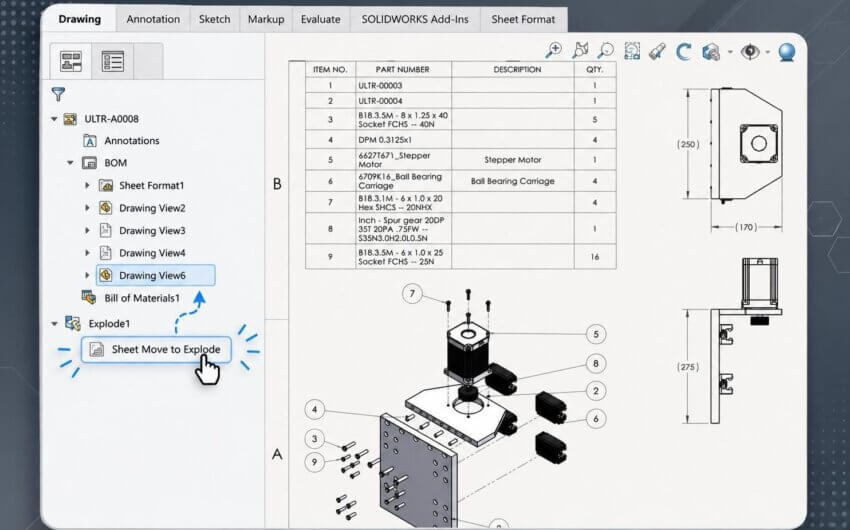
Large assemblies often come with large bills of materials, and fitting them onto a single drawing sheet isn’t always practical. In our latest 2-Minute Tech Tip on Splitting a BOM, you’ll learn how to split a bill of materials table into multiple segments for better organization and readability.
Splitting a BOM into 2 segments to position them side by side
This short, practical lesson covers several useful techniques:
- Splitting a BOM directly from the table using the Split Table option
- Options to split horizontally or vertically, depending on your layout needs
- Moving split tables to open areas or entirely separate sheets for improved clarity
- Merging tables back together at any time using merge options
This approach helps keep complex drawings clean and easier to interpret, especially when working with large assemblies. It also gives you more flexibility in how information is presented without changing sheet formats.
Merging a split BOM back together
Splitting a BOM is a simple way to improve drawing layout and maintain clarity across sheets, but there’s much more involved in creating good drawings. Be sure to visit SolidProfessor’s SOLIDWORKS Drawings course for additional information on table creation and management, annotations, and advanced drawing techniques.