SOLIDWORKS 2026 Service Pack 1 introduces a new set of prompt-based AI tools designed to support and automate design, planning, and documentation workflows while answering engineering questions and even troubleshooting problematic design errors. In our latest video on AI Tools & Virtual Companions for SP1, you’ll see how these new AI tools work and where they can fit into your process.
Using LEO to develop the assembly structure of a CNC router
The highlights and capabilities of these new tools include:
- SOLIDWORKS Insight for answering design questions, troubleshooting issues, and explaining engineering concepts
- Assembly Structure Design to generate organized assembly layouts and project structure before modeling begins
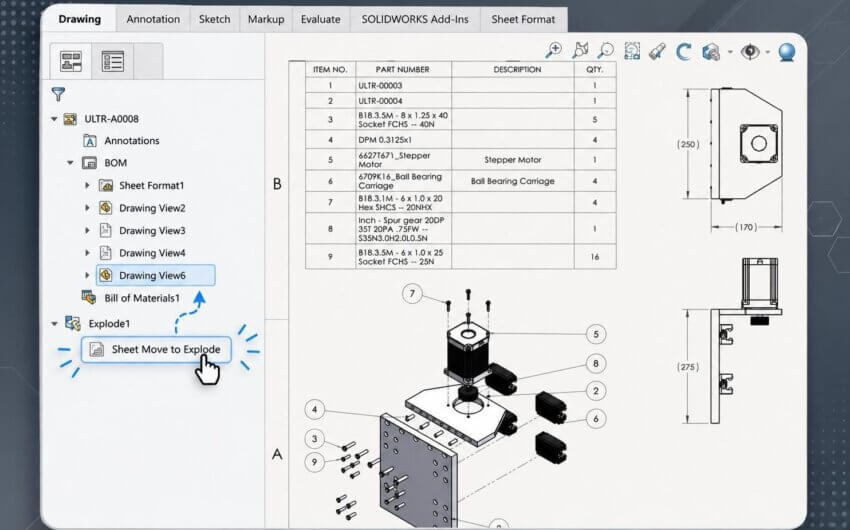
- Drawing Creation for interactive, prompt-driven drawing generation with preview and customization options
- Additional tools like Picture to Sketch and Command Predictor to support sketching and workflow efficiency
The introduction of LEO, SOLIDWORKS’ latest Virtual Companion, expands the usefulness of existing AI tools by working alongside the original AURA Virtual Companion to deliver quick answers and automate repetitive steps. These tools are designed to reduce setup time and provide guidance when you need it, whether you’re planning a new assembly or refining documentation.
Using SOLIDWORKS Insight to research strategies for improving plastic part manufacturability
Because these tools are currently in Beta, you may notice some inconsistencies, but they offer a clear look at how AI is being integrated into SOLIDWORKS in 2026. Service Pack 1 also features several non-AI enhancements that are documented in our What’s New in SOLIDWORKS series alongside our Top 10 Enhancements for 2026, so be sure to check those out for additional information on the latest developments.