
Manage BOMs in 3DEXPERIENCE with the Engineering Release App
February 24, 2026 · Jacob Ames
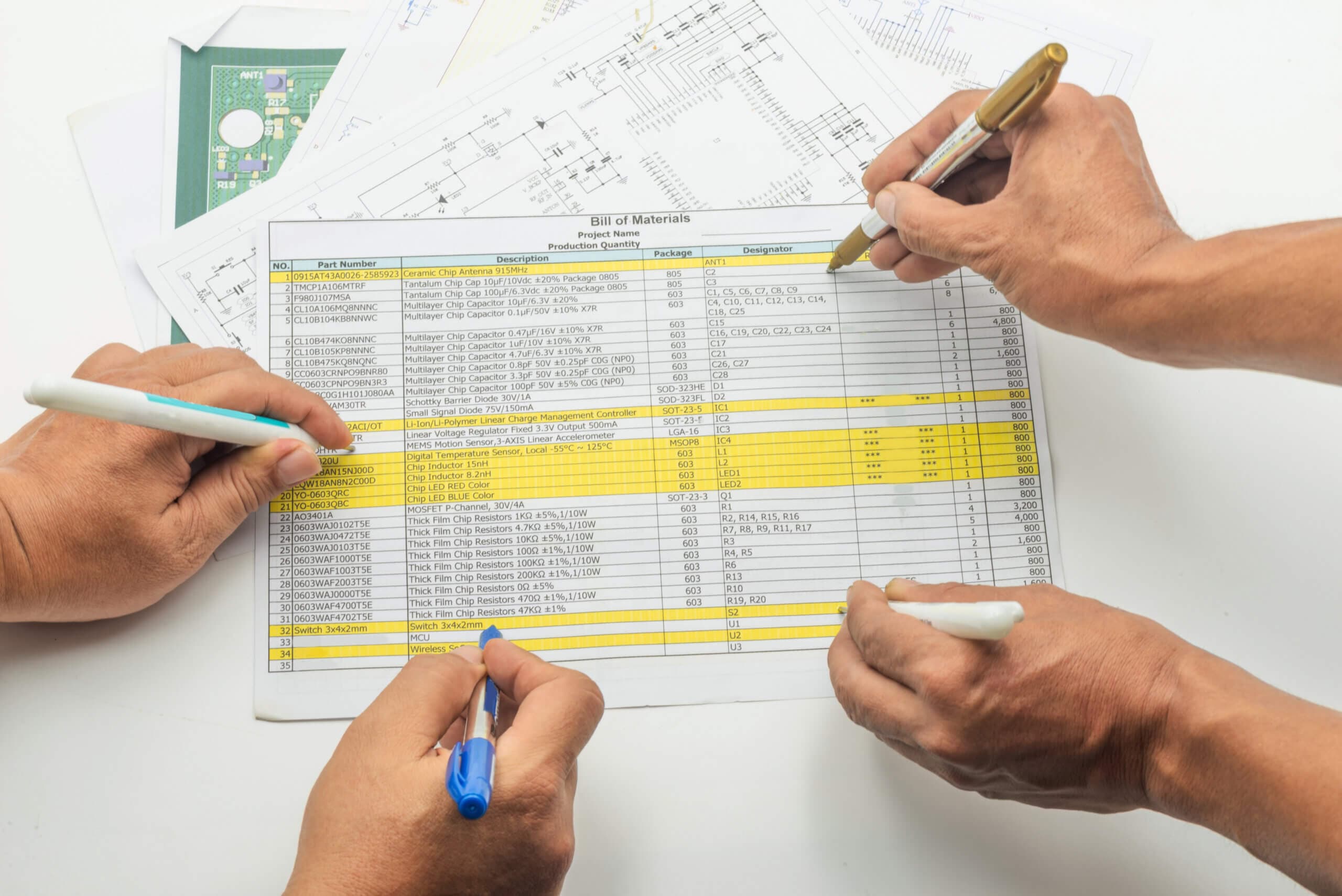
Manually managing a Bill of Materials often involves spreadsheets, disconnected tools, and/or repeated manual entry. In this 2-Minute Tech Tip on the Engineering Release app, you’ll see how BOMs can be managed, modified, and exported in 3DEXPERIENCE with the Product Release Engineer role. This streamlines the entire BOM process—from automatically organizing referenced files to assigning materials, creating spare part kits, and formally releasing files for production.
Using the Engineering Release app to organize, edit, and release a BOM from a single interface.
The Engineering Release app enables you to:
- Automatically collect referenced files from assemblies
- View and edit BOM structures directly in the app
- Assign materials (including non-modeled items like glue or paint)
- Apply serial numbers and Enterprise Part Numbers
- Generate CSV exports
- Release and approve BOMs for manufacturing
This app simplifies and standardizes the review and approval process, ensuring BOMs are complete and production-ready before release. Check out the full lesson to see how centralized BOM management can reduce errors and save time.
Want to learn the best practices for managing your data on the 3DEXPERIENCE platform? Visit our comprehensive 3DEXPERIENCE Data Management course for additional tips, workflows, and strategies for finding and organizing your data, creating revisions, working with lifecycle maturity states, and more.