
Content Release – 2025 SOLIDWORKS Simulation Standard
December 4, 2025 · Mark Patula
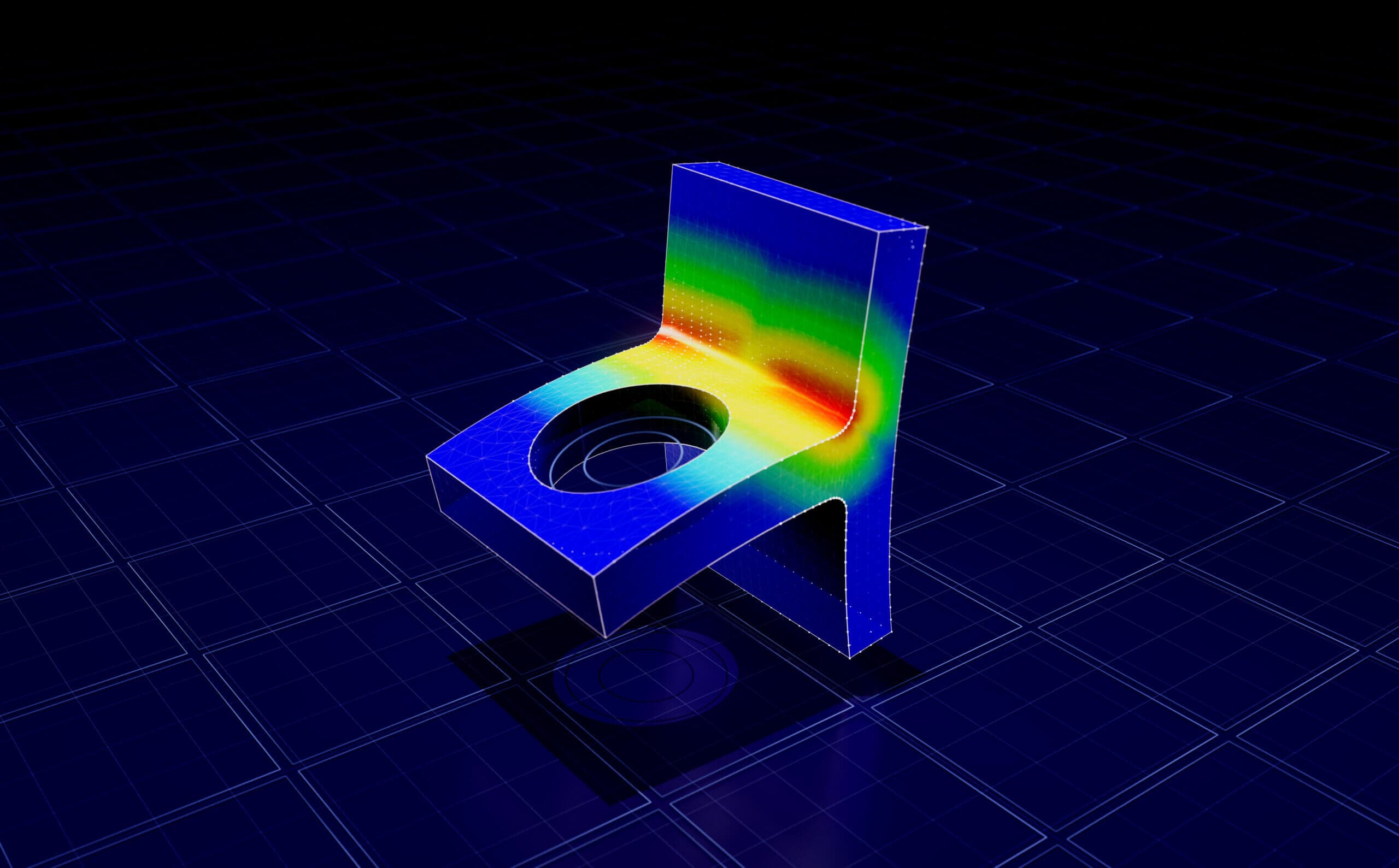
Snapshot
The updated SOLIDWORKS Simulation Standard course delivers a streamlined, practical introduction to finite element analysis (FEA) inside SOLIDWORKS by clarifying core simulation concepts, improving study setup workflows, and highlighting essential tools for stress analysis, meshing, and results interpretation. With real-world examples and step-by-step guidance, this release supports anyone looking to confidently validate designs using static studies, adaptive mesh refinement, and temperature loading scenarios. Start exploring the course here: SOLIDWORKS Simulation Standard.
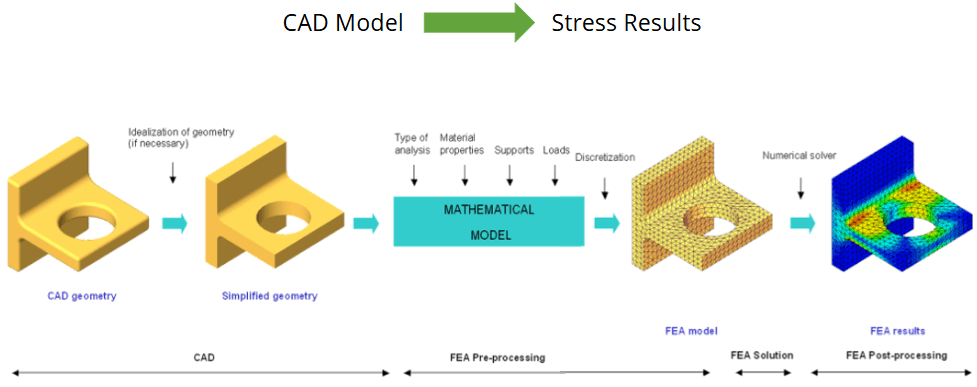
Flow chart detailing the FEA process and subsequent simulation outcomes
Course Highlights & Updates
This rebuilt course emphasizes clarity, consistency, and practical application. The curriculum walks through the entire simulation workflow, from assumptions and FEA accuracy to advanced mesh control and results reporting, ensuring you the learner understand both the “how” and the “why.” Each lesson reflects current industry expectations, and provides users with techniques that translate directly to real engineering work.
The Virtual Wall feature in SOLIDWORKS Simulation offers a specialized method for analyzing contact against large, rigid planar surfaces
The course covers a wide range of essential topics including:
- Core FEA concepts and accuracy
- Study setup, fixtures, and loads
- Mesh tools, diagnostics, and adaptive methods
- Stress plots, clipping, and reporting
- Temperature loading and sensors
- Key simulation libraries and system options
Factor of Safety distribution evaluates design reliability by highlighting regions of low safety margins based on simulated stress results
Who is this series for?
This course is designed for SOLIDWORKS users who want to build or strengthen their foundation in FEA-based design validation. It is ideal for engineers, designers, students, and technical professionals who need to perform static stress analysis to guide design decisions and prevent failures before physical prototyping.
Viewers can expect to learn how to set up studies correctly, choose appropriate fixtures and loads, generate reliable meshes, apply adaptive refinement, and interpret results using tools such as stress plots, clipping, and sensors. Anyone working on structural components or assemblies that require quick and trustworthy simulation-based insight will benefit from this training.
This course is not intended for users seeking nonlinear, dynamic, or advanced simulations. Those topics fall under more advanced Simulation products like Simulation Professional and Premium.
How can you use these tools?
- Validate structural performance early in the design process
- Improve designs using stress visualization and adaptive mesh refinement
- Generate professional plots and reports for communication with stakeholders
- Assess temperature-driven effects within static simulations
- Apply best practices for meshing, solver selection, and result verification
Using Mesh Controls can produce a mesh that is more efficient than Global Refinement, and captures small feature geometry better than the unrefined default mesh
The rebuilt SOLIDWORKS Simulation Standard course provides a clear, practical, and confidence-building path into simulation-powered design. With improved structure, expanded topics, and hands-on demonstrations, the course equips learners to run accurate studies and make informed design decisions. Explore the full curriculum and begin building your simulation skills here: SOLIDWORKS Simulation Standard.