
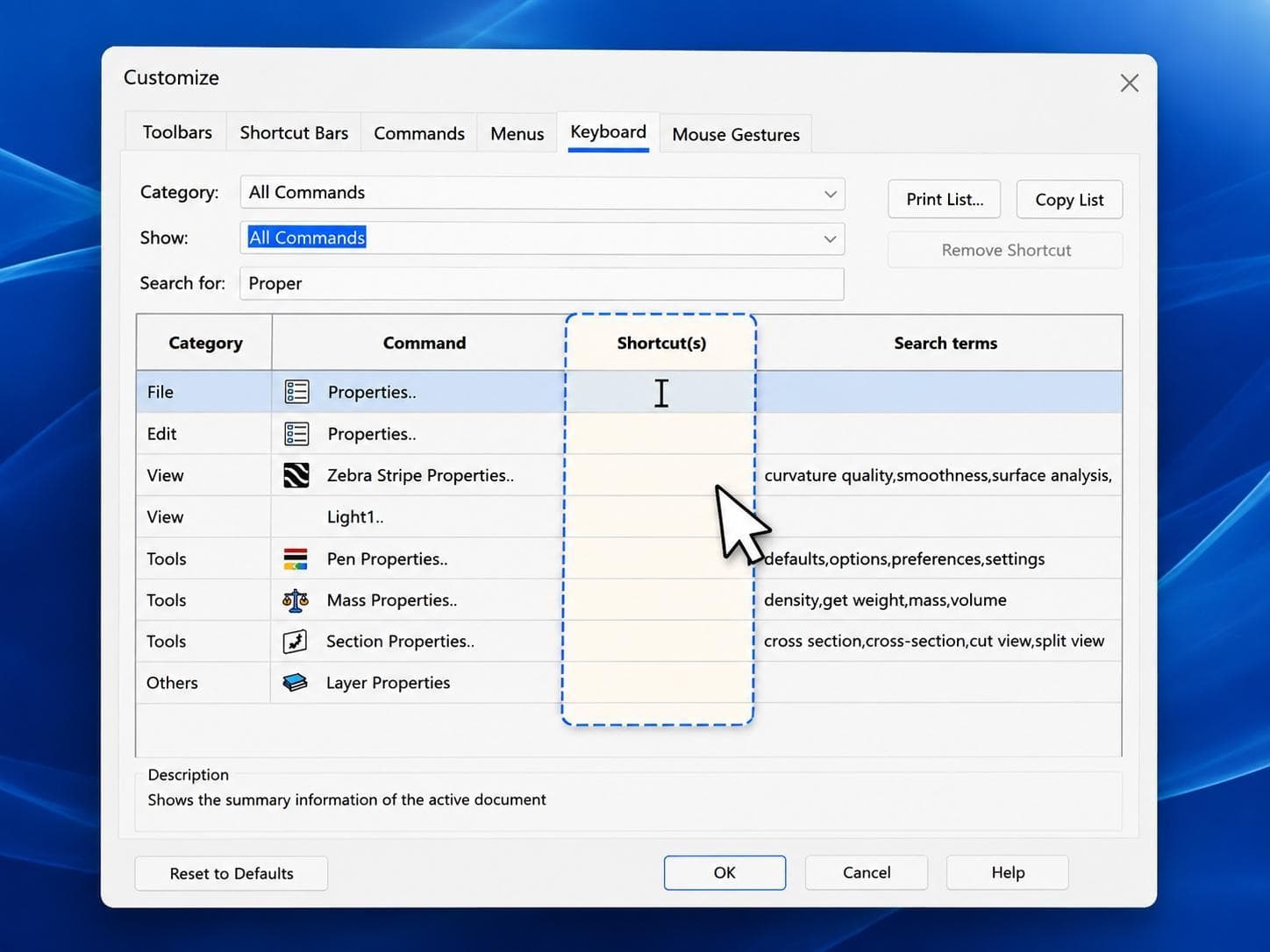
Ask any SOLIDWORKS veteran what their favorite keyboard shortcut is, and you’re sure to get a variety of answers – But did you know you can create your own? In SolidProfessor’s latest 2-Minute Tech Tip, Customize SOLIDWORKS Keyboard Shortcuts, we show how to customize SOLIDWORKS keyboard shortcuts so that your most frequently used commands are always close at hand.
You can search for specific commands, review existing assigned shortcuts, and assign your own key combinations for a fully customized working environment. Custom shortcuts can make basic commands like Mate, Measure, Cut-Extrude, Boss-Extrude, or whichever tools you use the most faster to access, reducing mouse movement and overall design time.
A few well-chosen custom shortcuts can make a big difference in your modeling workflow, and nearly every SOLIDWORKS professional has their own custom setup. For more time-saving techniques, check out our SOLIDWORKS Efficient Modeling Techniques course.